
Disclosure: Gamingshopee is reader-supported. If you buy through links on this page, we may earn a commission at no extra cost to you.
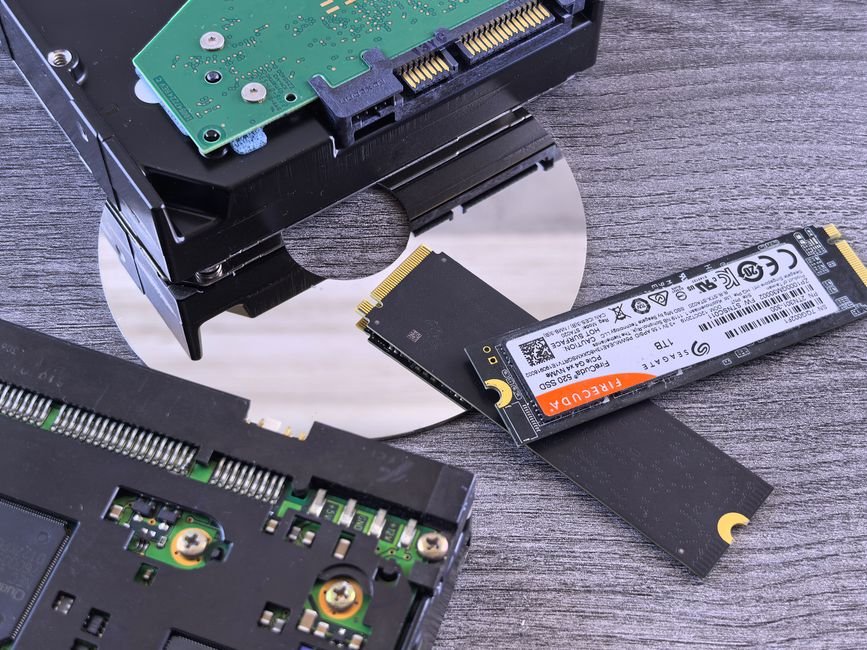
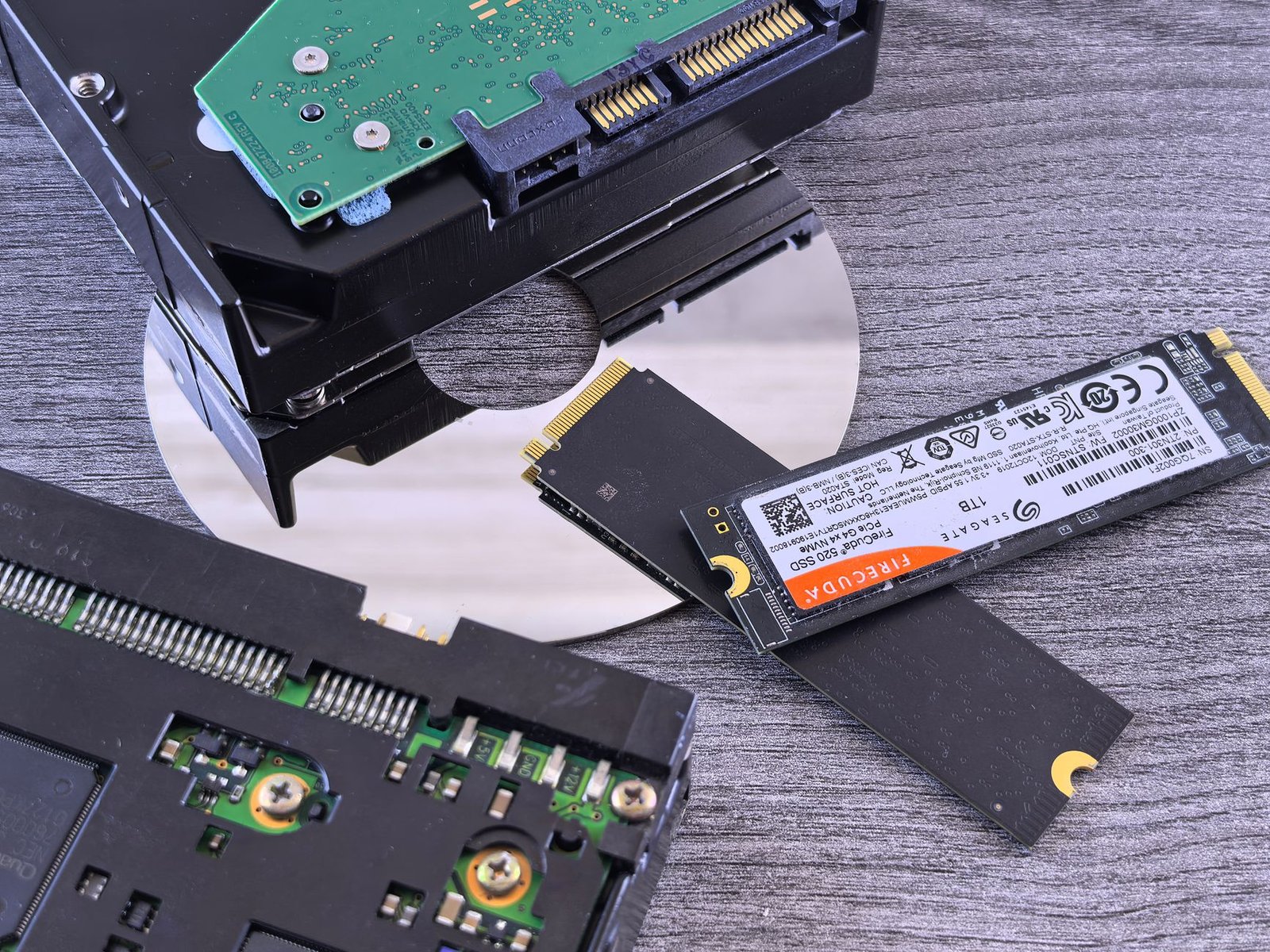
The PS5’s expansion slot needs a specific kind of SSD to work properly: an M.2 NVMe drive in the 2280 form factor, with a PCIe Gen4 x4 interface, at least 5,500 MB/s sequential read speed, and a heatsink that actually fits the slot’s tight physical tolerances. Not every fast-looking SSD on the market meets all of these requirements, which is why a dedicated buying guide for PS5 storage specifically still matters.
Here are the best SSDs for PS5 expansion storage in 2026, across premium, performance, and budget tiers.
Best SSDs for PS5 (2026) — Quick Comparison
| SSD | Capacity | Sequential Read | Price | Best For |
|---|---|---|---|---|
| WD_BLACK SN850P | 2TB | Up to 7,300 MB/s | ~$300 | Best overall / PlayStation-licensed |
| Samsung 990 PRO with Heatsink | 2TB | Up to 7,450 MB/s | Premium | Best raw performance |
| WD Black SN850X (with heatsink) | 2TB | Up to 7,300 MB/s | ~$124 | Best value |
| Crucial T500 | 1TB/2TB | Up to 7,300 MB/s | Budget (on sale) | Best budget pick |
How We Picked These
- We verified PS5 compatibility requirements specifically: M.2 2280 form factor, PCIe Gen4 x4 interface, at least 5,500 MB/s sequential read, and a heatsink that physically fits the expansion slot.
- We prioritized drives with a heatsink already included or officially designed for the PS5 slot: a bare drive without adequate cooling can thermal throttle inside the PS5’s expansion bay, undermining the performance you paid for.
- We covered both officially licensed and third-party options: Sony’s official licensing program guarantees compatibility, but excellent third-party drives also work well and often cost less.
- We checked pricing against the ongoing 2026 NAND flash shortage: SSD prices have moved significantly this year, so we noted where pricing has been particularly volatile.
Best Overall: WD_BLACK SN850P
The WD_BLACK SN850P is the standout pick for PS5 storage specifically because it’s officially PlayStation-licensed, with a heatsink engineered specifically for the PS5’s expansion bay rather than a generic aftermarket design. It runs at up to 7,300 MB/s sequential read speeds in 2TB capacity, comfortably clearing the PS5’s requirements with real headroom to spare.
At around $300, it sits at a premium relative to some third-party alternatives, but it’s the only drive on this list carrying Sony’s official PlayStation licensing designation, worth the peace of mind for buyers who want zero compatibility uncertainty.
Best Raw Performance: Samsung 990 PRO with Heatsink
The Samsung 990 PRO with Heatsink combines very fast Gen4 performance with a compact, well-engineered heatsink and Samsung’s strong reputation for reliability and support. It pairs a PCIe 4.0 x4, NVMe 2.0 interface with sequential speeds rated up to 7,450 MB/s read and 6,900 MB/s write, edging out the WD_BLACK SN850P on raw throughput numbers.
For buyers who want the fastest numbers available and trust Samsung’s long track record in the SSD market, this is a legitimate alternative to the officially licensed WD_BLACK pick, even without the PlayStation branding.
Best Value: WD Black SN850X (with Heatsink)
The WD Black SN850X frequently drops to around $124 for the 2TB model during sales, an excellent price for a drive that still comfortably meets and exceeds PS5 requirements. A 4TB version around $249 is also worth considering if you want to maximize capacity without needing a second drive down the line, particularly useful as game install sizes continue climbing.
Make sure you specifically buy the heatsink-equipped version rather than the bare drive, the PS5 expansion slot requires a heatsink and the base SN850X doesn’t include one by default in every regional listing.
Best Budget Pick: Crucial T500
The Crucial T500, alongside the Lexar NM790, stands out as a genuine budget option when discounted, delivering PS5-compatible specs without the brand premium of WD or Samsung. Available in both 1TB and 2TB capacities with sequential read speeds up to 7,300 MB/s, it clears the PS5’s requirements comfortably while typically undercutting the bigger brand names on price.
This is the pick for buyers who want to expand their PS5 storage without spending premium prices, watch for sales specifically since Crucial and Lexar pricing fluctuates more than the more consistently priced WD and Samsung options.
Why Heatsinks Aren’t Optional for PS5 SSDs
Unlike a desktop PC, where you can sometimes get away with a bare M.2 drive under light use, the PS5’s expansion slot specifically requires an SSD with a heatsink installed, and Sony’s own guidance is explicit about this. NVMe drives generate meaningful heat under sustained read/write loads, and without adequate cooling, the drive will thermal throttle, reducing its effective speed well below its rated specifications precisely when you’re loading a large game world or transferring a big file.
Every pick on this list either includes a heatsink by default or is explicitly sold in a heatsink-equipped variant. If you’re shopping outside this list and find a tempting bare drive at a lower price, budget in the cost of a separate compatible heatsink, and double-check the combined height fits within the PS5 expansion slot’s tight physical clearance before buying.
1TB vs 2TB vs 4TB: How Much Storage Do You Actually Need?
Modern AAA game install sizes have grown substantially, with many titles now exceeding 100GB and some approaching 200GB. A 1TB expansion drive fills up quickly if you keep more than a handful of large modern titles installed simultaneously, making 2TB the more practical sweet spot for most PS5 owners who play a mix of new releases. 4TB drives, while pricier, make sense if you have a large game library you don’t want to constantly manage by uninstalling and reinstalling titles.
If you’re specifically anticipating upcoming high-profile releases with large install sizes, it’s worth erring toward more capacity than you think you currently need, reinstalling and redownloading large games repeatedly is a frustrating and time-consuming way to manage a smaller drive. Also factor in your internet connection speed when deciding, if redownloading a 100GB+ game takes hours on your connection, that’s a strong argument for buying more capacity upfront rather than cycling titles in and out of storage regularly.
SSD Pricing in the 2026 NAND Shortage
It’s worth being upfront that SSD pricing has been unusually volatile in 2026 due to the broader NAND flash shortage driven by AI data center demand for memory chips. Consumer SSD prices have risen sharply across the market this year, with some tracked models increasing well over 100% from their 2025 lows. The prices listed in this guide reflect current availability as of publication, but check current pricing carefully before buying, this is a market where prices can shift meaningfully in a short period right now, more so than in a typical year.
If you’ve been waiting for PS5 expansion storage to get cheaper, current industry forecasts don’t point toward meaningful relief until 2027 at the earliest. If you have a genuine near-term storage need, buying sooner rather than waiting for a price drop is generally the more sensible approach given the current trend.
Installing Your PS5 SSD: What to Expect
Sony designed the PS5’s expansion slot for straightforward self-installation, and the process typically takes under fifteen minutes for anyone comfortable with basic hardware. Power down the console completely, remove the side panel covering the expansion bay, unscrew the small standoff screw to match your drive’s specific length, seat the SSD into the M.2 slot at an angle, then press it down flat and secure it with the standoff screw before replacing the cover.
After installation, the PS5 will prompt you to format the new drive the first time you power on, a quick automated process. Once formatted, you can move installed games between your internal SSD and the expansion drive directly through the console’s storage settings menu, or choose to install new games directly to the expansion drive going forward. Games running from a properly installed expansion SSD perform identically to the console’s internal storage, since both meet the same PCIe Gen4 specification Sony designed around.
Third-Party vs Officially Licensed: Does It Actually Matter?
Sony’s PlayStation licensing program for expansion SSDs primarily exists to guarantee a baseline of tested compatibility and performance, giving buyers confidence that a specific drive has been verified to work correctly rather than simply meeting the specifications on paper. In practice, this mostly matters for less-established brands, well-known manufacturers like Samsung and Western Digital have such extensive track records in the NVMe market that their non-licensed drives perform just as reliably as licensed alternatives once they meet the PS5’s technical requirements.
If you’re buying from a less familiar brand, sticking to officially licensed drives removes any guesswork about compatibility. If you’re buying from an established name like Samsung, WD, or Crucial, the lack of official licensing shouldn’t be treated as a meaningful compatibility risk, these companies have every incentive to ensure their drives work correctly given how much of their business depends on console storage sales.
Common Mistakes When Buying a PS5 Expansion SSD
- Buying a drive without a heatsink: the PS5 expansion slot requires heatsink-equipped storage, a bare M.2 drive will thermal throttle and may not be usable at all.
- Ignoring PCIe generation and speed requirements: confirm any drive you’re considering meets the PS5’s minimum 5,500 MB/s sequential read requirement before buying.
- Underestimating storage needs for modern game sizes: 1TB fills up quickly with a handful of current AAA titles installed, 2TB is the safer default for most buyers.
- Assuming heatsink height always fits the expansion slot: some heatsink designs, especially aftermarket ones, don’t fit the PS5’s tight physical clearance, verify compatibility specifically for the PS5 rather than general M.2 compatibility.
- Not checking current pricing given market volatility: SSD prices have moved significantly in 2026 due to the NAND shortage, verify current pricing rather than relying on older price references.
- Reusing an old laptop or desktop drive without checking specs: many older NVMe drives don’t meet the PS5’s minimum speed requirement, verify PCIe generation and sequential read speed before repurposing a drive you already own.
Prices and specs correct as of November 2026.
Frequently Asked Questions
What’s the best SSD for PS5 overall?
The WD_BLACK SN850P is the best overall pick, officially PlayStation-licensed with a heatsink engineered specifically for the PS5’s expansion bay.
Do I need a heatsink for a PS5 SSD?
Yes, the PS5 expansion slot requires an SSD with a heatsink installed, without one the drive will thermal throttle and may not function properly in the console.
What speed does a PS5 SSD need to be?
At minimum 5,500 MB/s sequential read speed over a PCIe Gen4 x4 interface, all the picks on this list comfortably exceed this requirement.
Is 1TB or 2TB better for PS5 expansion storage?
2TB is the more practical choice for most owners given how large modern game installs have become, 1TB fills up quickly with just a few current AAA titles.
Does the SSD need to be officially PlayStation-licensed?
No, licensing guarantees compatibility but many well-reviewed third-party drives, like the Samsung 990 PRO and WD Black SN850X, work excellently in the PS5 without official licensing.
Why are SSD prices so volatile right now?
A global NAND flash shortage driven by AI data center demand for memory chips has pushed consumer SSD prices up sharply throughout 2026, with some models rising well over 100% from their 2025 lows.
Can I install a PS5 SSD myself?
Yes, Sony designed the expansion slot for straightforward self-installation, though you should follow the official PlayStation installation guide and power down the console fully before opening the expansion bay cover.
Will SSD prices come down soon?
Current industry forecasts point toward continued NAND flash price pressure through the rest of 2026, with meaningful relief not expected before 2027 at the earliest.
Can I use a laptop or desktop NVMe SSD I already own in my PS5?
Only if it meets the PS5’s specific requirements, PCIe Gen4 x4 interface, at least 5,500 MB/s sequential read, M.2 2280 form factor, and either includes a compatible heatsink or has room for one to be added, many older or lower-spec drives won’t meet the speed requirement.
Want more context on the broader storage market this year? Check our peripheral price inflation study, or see our best gaming handheld guide if portable storage matters to your broader setup too.