
Disclosure: Gamingshopee is reader-supported. If you buy through links on this page, we may earn a commission at no extra cost to you.
Microphone quality has improved dramatically at the budget end of the market. A sub-$100 USB microphone in 2026 genuinely competes with mics that cost double just a few years ago, condenser capsules have gotten better, onboard processing has improved, and noise-rejection algorithms have caught up to what used to be premium-tier features.
Here are the best streaming microphones under $100 in 2026, across ultra-budget, mid-range, and studio-adjacent categories.
Best Streaming Mics Under $100 (2026) — Quick Comparison
| Mic | Type | Price | Best For |
|---|---|---|---|
| HyperX SoloCast | Cardioid condenser, USB | $40-49 | Best budget / plug-and-play |
| FIFINE AM8 | Cardioid condenser, USB/XLR | ~$55 | Best value / RGB + XLR flexibility |
| Blue Yeti Nano | Cardioid condenser, USB | $99.99 | Best established brand at this price |
| Rode NT-USB Mini | Cardioid condenser, USB | $99 | Best audio quality under $100 |
| Audio-Technica AT2020USB+ | Cardioid condenser, USB | ~$99 (on sale) | Best classic podcaster sound |
How We Picked These
- We kept every pick genuinely under or right at $100: some popular streaming mics like the Elgato Wave:3 and HyperX QuadCast are excellent but exceed this budget, so we excluded them from the main picks.
- We prioritized cardioid pickup patterns for streaming specifically: cardioid mics reject background noise, keyboard clicks, and room echo better than omnidirectional patterns, which matters more for streaming than studio vocal recording.
- We weighed plug-and-play simplicity against audio quality: not every streamer wants to fuss with gain staging and software, so we noted where simplicity is a genuine selling point.
- We checked real user reports on build quality and longevity: a cheap mic that fails within a year isn’t actually a good value regardless of its initial price.
Best Budget: HyperX SoloCast
At $40-49, the SoloCast delivers genuinely surprising audio quality for its price, a cardioid polar pattern that rejects desk noise and keyboard clicks effectively, true plug-and-play USB setup with zero configuration required, and a tap-to-mute sensor on top of the mic that lights up to show mute status at a glance. It records at 48kHz/16-bit, plenty for clear voice communication and streaming, though it won’t match the pricier picks on this list for studio-level vocal detail.
For anyone just starting to stream, or upgrading from a built-in laptop or headset mic, this is the easiest, lowest-risk recommendation on this list. The jump in clarity and background noise rejection over a typical bundled headset mic is immediately noticeable, at a price that makes the upgrade an easy decision.
Best Value: FIFINE AM8
The AM8 stands out by offering both USB and XLR connectivity in the same microphone, at under $55, letting you start with simple USB plug-and-play and later upgrade to a proper XLR audio interface and mixer setup without needing to buy an entirely new microphone. Audio clarity is excellent for the price, and RGB lighting adds a visual touch some streamers specifically want as part of their on-camera aesthetic.
This dual-connectivity flexibility makes the AM8 a smart pick specifically for streamers who suspect they might eventually build out a more advanced audio setup, you get a genuinely capable USB mic now, with a built-in upgrade path rather than needing to start over later.
Best Established Brand: Blue Yeti Nano
The Yeti Nano brings Blue’s well-regarded microphone engineering down to a more compact, cardioid-only design at $99.99, trading the full-size Yeti’s multiple pickup patterns for a smaller footprint and a lower price. For streaming specifically, where you generally only need cardioid pickup pointed at yourself rather than multi-person recording flexibility, this trade is a sensible one that doesn’t cost you anything practically relevant.
Blue’s software and driver support remains some of the most reliable in the budget mic category, worth considering if you’ve had compatibility headaches with lesser-known brands in the past. At the top of this list’s price range, it’s a safe, well-supported choice from a brand with a long track record.
Best Audio Quality: Rode NT-USB Mini
Rode’s NT-USB Mini packs studio-grade condenser performance into a body smaller than a soda can, delivering what’s widely considered the cleanest, most detailed voice recording of any mic in this price range. It records at 24-bit/48kHz, includes a magnetic desk stand with 360-degree swivel, and has an integrated pop filter built directly into the mesh grille, removing the need for a separate pop filter accessory.
At $99, it sits right at the top edge of this budget category, but the audio quality genuinely justifies pushing right up to that limit if crisp, detailed voice reproduction matters most to you. This is the pick for streamers who’ve outgrown a basic budget mic and want a meaningful, noticeable step up without leaving the sub-$100 tier entirely.
Best Classic Sound: Audio-Technica AT2020USB+
The AT2020USB+ has been a podcaster and streamer favorite for years, and while its official price sits slightly above $100, it frequently dips under that mark during sales, worth watching for if you specifically want this mic’s well-established, warm vocal character. It delivers a classic, professional podcast sound that many streamers specifically seek out after trying brighter-sounding budget condensers.
If you’re not specifically drawn to its particular sound signature, the Rode NT-USB Mini or Blue Yeti Nano will serve most streamers just as well at a more consistently available price. But for anyone who’s heard the AT2020USB+ on other creators’ streams and wants that specific sound, it’s worth tracking for a sale.
Cardioid vs Other Pickup Patterns for Streaming
Every mic on this list uses a cardioid pickup pattern, and that’s a deliberate, important choice for streaming specifically. Cardioid mics primarily pick up sound from directly in front of them while rejecting sound from the sides and rear, exactly the behavior you want when you’re the only person talking and want to minimize picking up keyboard clatter, fan noise, or other room sound. Multi-pattern mics that also offer omnidirectional or bidirectional modes are genuinely useful for podcasting with multiple people around one mic, but that flexibility isn’t relevant for the typical single-streamer setup this list focuses on.
If you’re specifically planning multi-person recording sessions alongside solo streaming, it’s worth considering a multi-pattern mic even if it costs slightly more, but for the core use case of a single streamer talking to a webcam and microphone, cardioid-only is the right, cost-effective choice every pick here makes.
Mounting, Boom Arms, and Shock Mounts
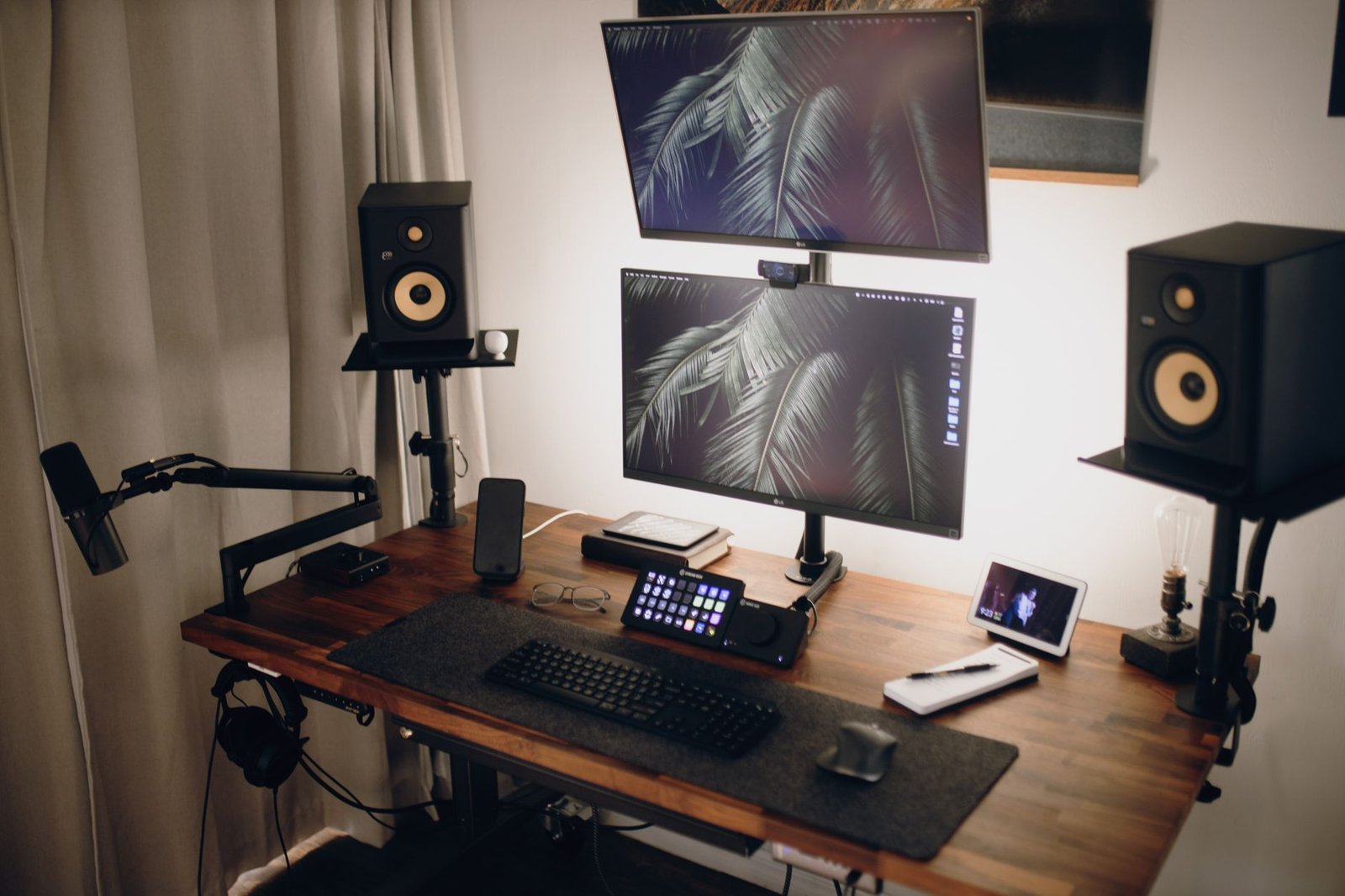
None of the desk-stand mounts included with most budget USB mics do a great job isolating the microphone from desk vibration, keyboard typing, mouse clicks, or even a heavy footstep can transmit through the desk and into your audio as a low rumble. A basic boom arm, often available for $15-25, both gets the mic closer to your mouth for better audio pickup and physically isolates it from desk-transmitted vibration far better than a stationary desk stand.
If your budget allows even a small amount beyond the microphone itself, a boom arm is one of the highest-value accessory purchases you can make alongside any of these mics, the audio quality improvement from proper positioning and vibration isolation is often more noticeable than the difference between two similarly priced microphones.
When It’s Worth Spending More Than $100
We deliberately kept this list under $100, but it’s worth being honest about what you give up at this price tier compared to mics like the HyperX QuadCast S (~$160) or Elgato Wave:3 (~$130). Those mics generally offer more refined internal shock mounting, per-zone RGB control through dedicated software, onboard gain and mute controls built directly into the mic body rather than relying entirely on software, and in Wave:3’s case, 96kHz/24-bit capture and a Clipguard feature that automatically prevents audio clipping during sudden loud moments.
For the overwhelming majority of streamers, especially anyone starting out or streaming as a hobby rather than a full-time job, none of those extras meaningfully change how your audience experiences your stream. The jump from no dedicated mic to any pick on this list is dramatic and immediately audible. The jump from a $99 mic to a $160 one is real but marginal, and most viewers won’t consciously notice it. Save the upgrade money for a boom arm, a pop filter, or a better webcam first, those changes tend to matter more to your production quality than an incremental mic upgrade at this stage.
Testing Your Mic Before You Go Live
Every mic on this list benefits from a few minutes of setup before your first real stream. Record a short test clip using your streaming software’s built-in preview or a simple voice recorder app, then actually listen back on headphones rather than your speakers, background hum, keyboard clatter, or an echo-heavy room are far more obvious on playback than they are while you’re actively talking and focused on your gain levels.
Pay particular attention to plosive sounds on words starting with “p” or “b”, these tend to pop and distort on budget condensers more than on studio equipment, and it’s exactly what a pop filter or the Rode NT-USB Mini’s integrated pop filter is designed to fix. If you’re still hearing pops after adding a pop filter, try angling the mic slightly off-axis from your mouth rather than pointing it dead-center, a common trick audio engineers use that works just as well on a $40 mic as a $400 one.
Common Mistakes When Buying a Budget Streaming Mic
- Placing the mic too far from your mouth: condenser mics at this price generally need to be closer, 6-12 inches, than you might expect for clear, present audio.
- Skipping a pop filter or boom arm entirely: these cheap accessories meaningfully improve audio quality and are worth the small added cost.
- Not adjusting gain settings properly: too-high gain introduces background noise and hiss, too-low gain makes your voice sound distant, spend time dialing this in properly.
- Buying multi-pattern flexibility you don’t need: if you’re a solo streamer, cardioid-only mics deliver everything you need without paying for unused pickup pattern options.
- Ignoring desk vibration isolation: a basic desk stand transmits typing and mouse clicks into your audio far more than most buyers expect until they hear a recording back.
Prices and specs correct as of October 2026.
Frequently Asked Questions
Is a $50 microphone good enough for streaming?
Yes, mics like the HyperX SoloCast deliver genuinely clear, professional-sounding audio at that price point, a major improvement over built-in laptop or bundled headset microphones.
What’s the best streaming mic under $100?
The Rode NT-USB Mini offers the cleanest audio quality in this price range, while the HyperX SoloCast is the best pick if budget and simplicity matter most.
Should I get a USB or XLR microphone?
USB for simplicity and plug-and-play setup, XLR if you’re building a more advanced audio setup with a mixer, the FIFINE AM8 offers both in one mic as a middle-ground option.
Do I need a boom arm for my streaming mic?
It’s not strictly required, but it meaningfully improves audio quality by reducing desk vibration transmission and allowing better mic positioning, a worthwhile low-cost addition.
Why do all these mics use a cardioid pickup pattern?
Cardioid patterns reject side and rear noise effectively, ideal for a single streamer talking directly into the mic while minimizing background and keyboard noise.
Is the Blue Yeti Nano as good as the full-size Blue Yeti?
For streaming specifically, yes, it drops the full Yeti’s extra pickup patterns you likely won’t use as a solo streamer while keeping the cardioid mode most relevant to your setup.
Can I upgrade from a budget mic later without wasting money?
Yes, starting with something like the HyperX SoloCast or FIFINE AM8 is a low-risk entry point, and most streamers only need to upgrade once they’ve identified a specific limitation in their current setup.
How much should I actually spend on a first streaming microphone?
Somewhere between $40 and $60 is a sensible starting point for most new streamers, since it gets you a genuine, noticeable audio quality upgrade over a headset or built-in mic without overspending before you know how streaming is going to fit into your routine long-term.
Rounding out your streaming audio setup? Check our best webcam for streaming guide, or see our Elgato Stream Deck MK.2 review for another core streaming upgrade.