
Disclosure: Gamingshopee is reader-supported. If you buy through links on this page, we may earn a commission at no extra cost to you.
Yes, if you play online multiplayer regularly. The speed test number on the box has almost nothing to do with why you die the instant you peek a corner.
That’s decided by latency, jitter, and how well your router prioritizes traffic when the network gets busy. Here’s what a gaming router actually fixes, and when it’s not worth the money.
Gaming Routers — Quick Comparison
| Scenario | Worth It? | Why |
|---|---|---|
| Competitive online multiplayer | Yes | QoS cuts lag and packet loss under load |
| Shared household, multiple heavy users | Yes | Traffic prioritization stops streaming from spiking your ping |
| Single-player or offline gaming | No | Latency to a server isn’t a factor |
| Already low-latency, uncontested connection | Maybe not | Little room left to improve |
What a Gaming Router Actually Fixes
The feature that matters is Quality of Service, not the advertised speed rating on the box. QoS prioritizes gaming packets over other traffic on your network, streaming, downloads, smart home devices, so your connection to the game server stays stable even while someone else in the house is watching Netflix in 4K.
Done well, this can shave 10 to 30ms off your ping and largely eliminate the rubber-banding and packet loss that ruin ranked matches. A 1 Gbps connection behind a poorly configured router can genuinely feel worse in competitive play than a 200 Mbps connection behind a router built specifically for low-latency gaming.
When It’s Genuinely Worth Buying
If you play ranked or competitive online multiplayer regularly, especially on console where you can’t easily tweak network settings yourself, a gaming router’s QoS and traffic prioritization directly improves match consistency. It’s also worth it in a shared household where multiple people are streaming, gaming, or downloading at once, situations where a standard router lets one heavy user tank everyone else’s connection.
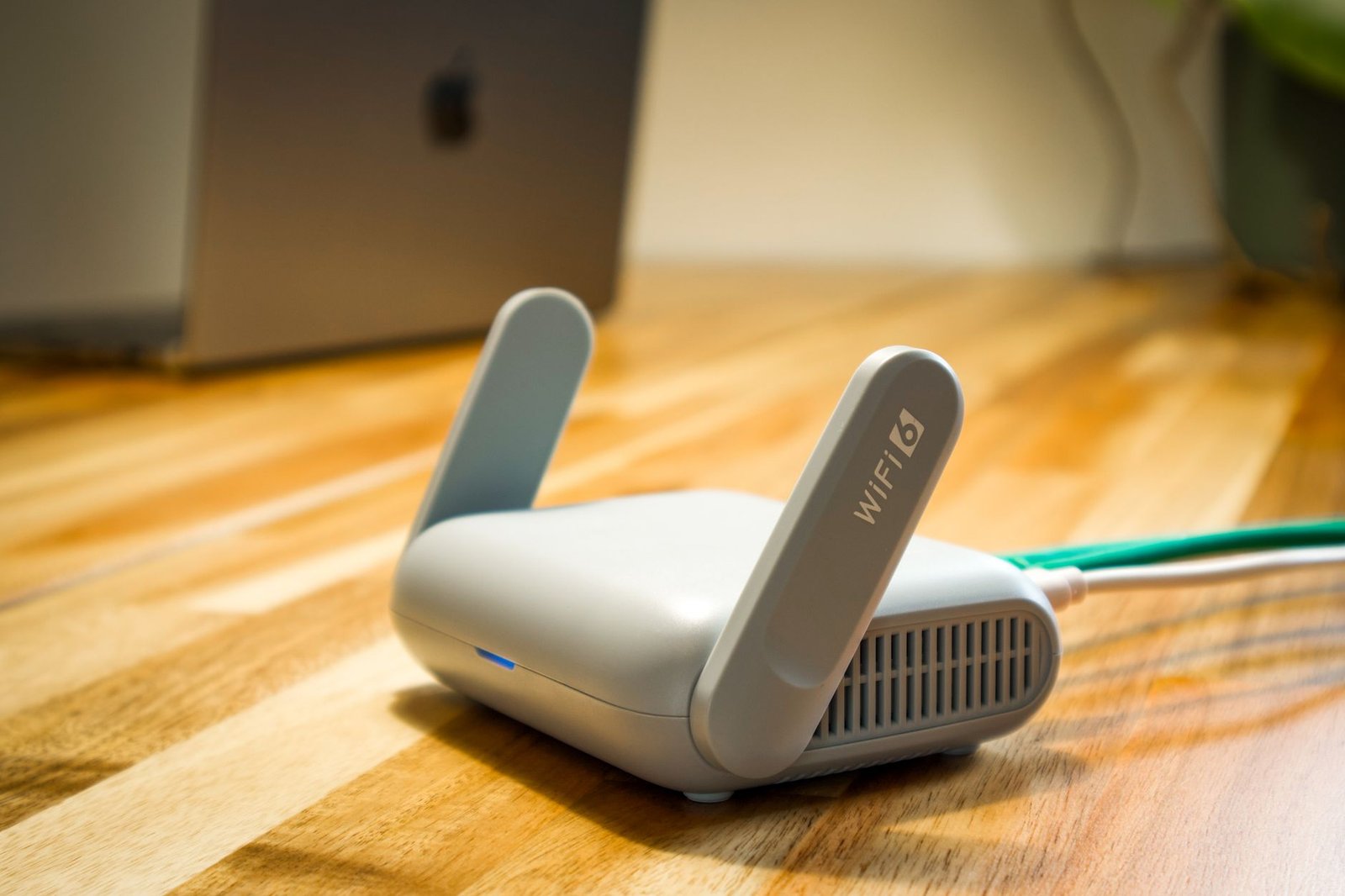
You don’t need to spend a fortune to get this benefit. Solid budget options exist under $100 that include capable QoS features, proving the premium isn’t required to see real latency improvements.
When It’s Not Worth It
If you mostly play single-player or offline games, a gaming router won’t help, latency to a remote server isn’t a factor in that kind of gameplay. And if you already have a low-latency connection with no other heavy users competing for bandwidth, there’s limited room left for a gaming router to improve on what you’ve already got.
In those cases, that money is better spent elsewhere in your setup.
What to Actually Look For
Shop for QoS quality, not the headline speed number. The routers that perform best under real conditions are the ones that keep latency flat when the network is busy, not the ones with the highest advertised throughput. Wi-Fi 6 is the standard most households should look for in 2026, it handles congested networks well and will serve you for years if your internet plan is 500 Mbps or below.
Wi-Fi 6E and Wi-Fi 7 add a less congested frequency band, useful if you live somewhere with a lot of neighboring networks crowding the standard bands, but they’re not essential for most home setups.
Are Gaming Routers Worth It?
Yes, for competitive online multiplayer players and shared households where bandwidth gets contested. The QoS features solve a real, specific problem, and budget options under $100 mean you don’t need premium pricing to see the benefit.
Skip it if you’re mostly single-player, or your connection is already fast and uncontested. Match the purchase to your actual play habits, not to marketing claims about speed.
Prices correct as of July 2026.
Frequently Asked Questions
Does a gaming router actually lower ping?
Yes, indirectly. QoS features prevent other traffic on your network from crowding out your game’s connection, which can reduce lag spikes and packet loss by 10 to 30ms under load, though it can’t lower your baseline distance-based latency to a server.
Do I need a gaming router if I play alone with no other devices?
Probably not. QoS mainly helps when multiple devices are competing for bandwidth. With a single user and an already stable connection, the benefit is minimal.
Is Wi-Fi 6 enough, or do I need Wi-Fi 7?
Wi-Fi 6 is sufficient for most households with internet plans at or below 500 Mbps. Wi-Fi 6E or 7 mainly helps if you live in a crowded area with a lot of interfering networks.
Do gaming routers matter more for console or PC?
They matter more for console, since consoles offer fewer built-in network tweaking options than PC. PC players have more software-level tools available to manage QoS themselves.
Can a cheap gaming router still help?
Yes. Budget options under $100 with solid QoS implementations can deliver real latency improvements, you don’t need to spend hundreds of dollars to see the benefit.
Optimizing the rest of your setup for performance? See our guide to improving FPS on PC, or check out best PS5 gaming accessories.
If your ping only spikes when someone else on your network is streaming or downloading, that’s a related but different issue worth checking separately: why your game specifically lags when someone else streams or downloads.
We cover the related angle in How to Reduce Gaming Network Latency.
If you’re weighing this decision, it’s also worth reading Start Here.
Related Guides
- Best Gaming Routers in 2026 (Tested & Ranked)
- Best Gaming VPN to Reduce Ping in 2026: What Actually Works
- NordVPN vs ExpressVPN for Gaming: Which One Actually Wins?



3 thoughts on “Are Gaming Routers Actually Worth It”