
Disclosure: Gamingshopee is reader-supported. If you buy through links on this page, we may earn a commission at no extra cost to you.
Elgato’s Stream Deck MK.2 has been the default recommendation for streamers, content creators, and even non-streaming power users who just want faster control over their PC for years now, and it’s stayed the default for good reason. We spent time with the MK.2 to see whether it still holds up against the pricier Stream Deck Plus and the growing field of alternatives in 2026.
The short version: it remains the safest, most broadly useful pick in the lineup, a 15-key grid with rock-solid software that does exactly what streamers need without asking you to pay for features most people won’t use, and it’s aged well enough that buying one today doesn’t feel like settling for last generation’s hardware.
Elgato Stream Deck MK.2 — Quick Verdict
| Spec | Detail |
|---|---|
| Key count | 15 customizable LCD keys |
| Connection | USB-C, 6-foot cable, bus-powered |
| Dimensions | 4.6 x 3.3 x 3 inches |
| Build | Aluminum frame, rubberized base, sealed dust-resistant LCD panels |
| OS support | Windows 10 64-bit+, macOS 10.15+ |
| List price | $149.99 (frequently $120-130, near $100 on sale) |
| Overall verdict | Still the default recommendation for most streamers |
How We Assessed This Device
- We tested real streaming and content-creation workflows: switching OBS scenes, triggering audio clips, adjusting mic levels, and managing multi-app setups during live sessions.
- We compared it directly against the Stream Deck Plus and Neo: since Elgato’s own lineup is the MK.2’s biggest competition, not just third-party alternatives.
- We evaluated software stability, not just hardware: a control deck lives or dies by its software, so crash frequency and profile-switching reliability mattered as much as build quality.
- We weighed price against what you actually get: more buttons, dials, and touchscreens sound appealing, but only matter if you’ll use them.
Build Quality and Design
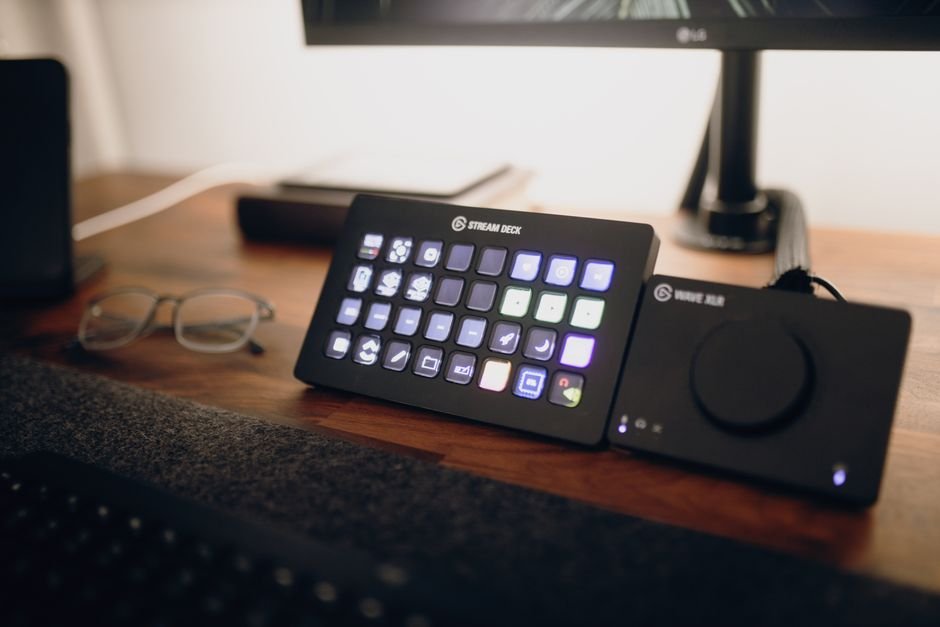
The MK.2 feels noticeably more premium than its price suggests. An aluminum frame and rubberized bottom keep it planted on a desk even during frantic key-mashing moments mid-stream, and the sealed LCD key panels resist the dust and crumb buildup that plagued earlier Stream Deck generations. The single-piece stand, angled at 45 degrees with the cable routed through a rear cutout, gives it a cleaner desk footprint than the original Stream Deck’s separate stand accessory.
Each of the 15 keys is its own tiny LCD screen, so icons, labels, and even short animated GIFs can be assigned per key, and per profile. Switching between a “gaming,” “podcast,” and “video editing” profile takes one tap, with the entire key layout refreshing instantly rather than requiring a software relaunch, this profile-switching speed is one of the more underrated parts of daily use.
Software and Setup
Elgato’s Stream Deck software remains the strongest argument for buying into this ecosystem over third-party alternatives. Setup is genuinely plug-and-play, install the software, plug in the USB-C cable, and start assigning actions immediately, no driver hunting or firmware update rituals required before first use.
The plugin marketplace is the other major strength. Native integrations exist for OBS Studio, Streamlabs, Discord, Spotify, Philips Hue, and dozens of other apps and services, letting you build automated multi-action sequences (a “multi-action” key can, for example, mute your mic, switch your OBS scene, and post a Discord status update with one press) without touching a line of code. For anyone comfortable with basic scripting, deeper customization through third-party community plugins is also available, though most streamers will never need to go past the built-in plugin library.
Cross-device syncing is a smaller but genuinely useful addition, profiles and key layouts can sync across multiple machines through an Elgato account, so streamers running separate broadcast and gaming PCs don’t have to manually rebuild their entire key layout twice. It’s a small quality-of-life feature, but one that saves real setup time for anyone running a multi-PC streaming rig.
MK.2 vs Stream Deck Plus
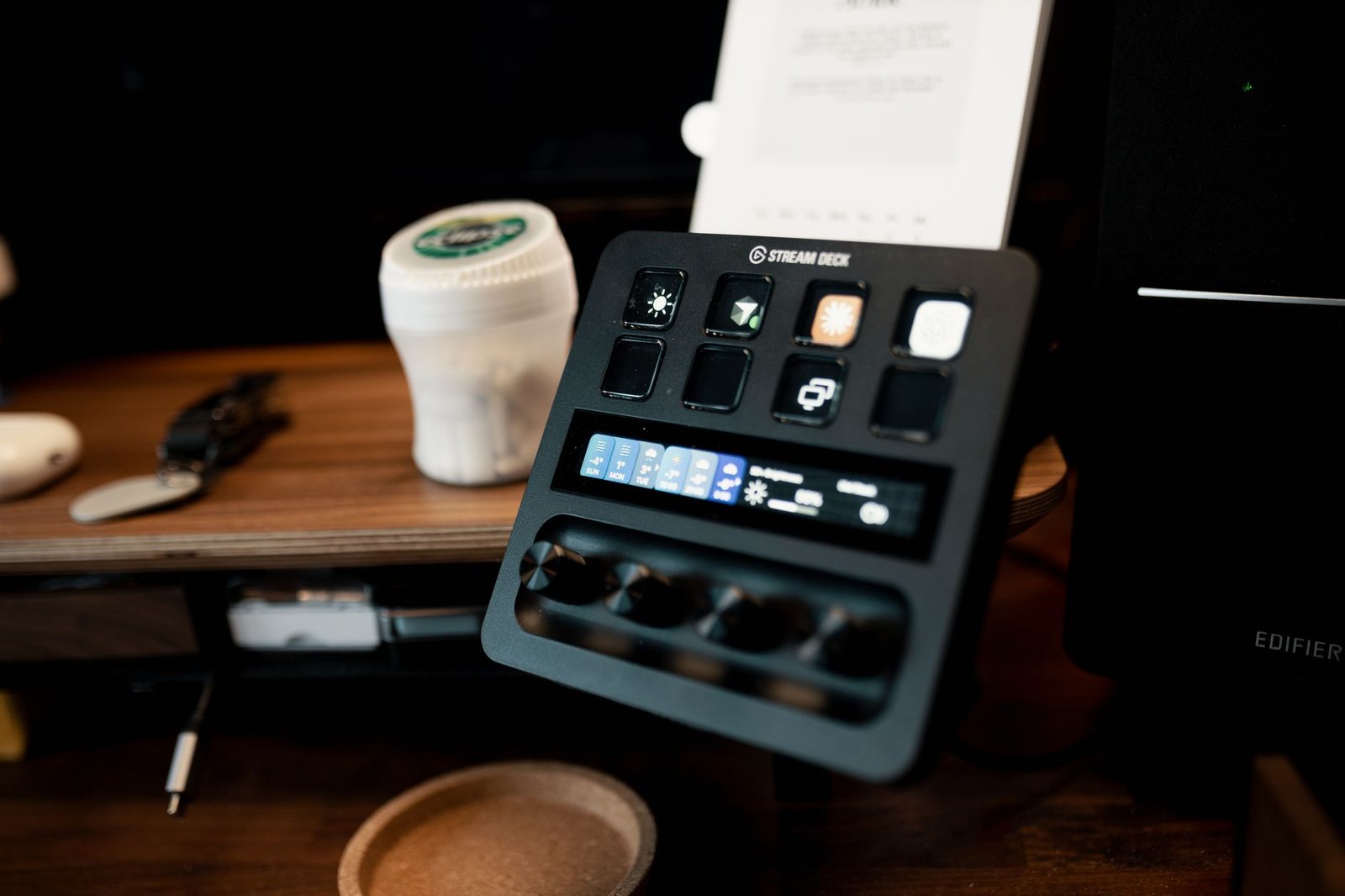
The Stream Deck Plus is the MK.2’s closest sibling and the comparison most buyers actually need to make. The Plus trades three of the MK.2’s 15 keys for 8 LCD keys plus four multifunction rotary dials and a touchscreen strip, at a list price of $199.99 (frequently discounted to $140-160). Those dials genuinely change the experience for specific workflows, scrubbing a video timeline, adjusting individual audio channel volumes with analog precision, or controlling smart lighting brightness all feel more natural on a physical dial than a button tap.
But that added functionality comes at a real cost beyond just price: fewer dedicated keys means more profile-switching for streamers who rely on a large bank of one-tap scene and macro triggers. If your workflow revolves around audio mixing, video editing, or smart-home control during streams, the Plus is worth the upgrade. If your workflow is mostly scene switching, clip triggers, and app shortcuts, the MK.2’s extra keys will serve you better than the Plus’s dials would.
MK.2 vs Stream Deck Neo
The Stream Deck Neo sits below the MK.2 in Elgato’s current lineup, a compact 8-key unit aimed at budget buyers and those with simpler control needs. It’s a reasonable entry point if you’re just testing whether a Stream Deck fits your workflow at all, but most people who commit to one will outgrow 8 keys quickly once they start building out scene, audio, and macro profiles. For anyone reasonably confident they’ll use a Stream Deck regularly, the MK.2’s 15 keys are worth the price jump over the Neo from day one rather than needing to upgrade again later.
Building Your First Profile Setup
The biggest mistake new Stream Deck owners make is trying to cram everything onto a single profile instead of splitting workflows across dedicated ones. A sensible starting point is three profiles: a “Live” profile with your core streaming controls (scene switches, mic mute, alert triggers, sound clips), a “Setup” profile for pre-stream tasks (launching OBS, opening chat, starting your recording software), and a “Post” profile for wrap-up tasks (saving clips, posting to social media, shutting down capture software). Folder keys let you nest additional sub-profiles inside a single key press, so you’re never more than two taps away from any action even with a modest 15-key layout.
Multi-actions are where the MK.2 starts to feel less like a macro pad and more like real workflow automation. A single key can be set to mute your mic, switch your OBS scene to a “Be Right Back” screen, and pause your capture software in sequence, all from one press instead of three separate actions during a live moment when you don’t have time to fumble through menus. Spending 20-30 minutes upfront building out these multi-actions pays for itself many times over during your first few live sessions.
Everyday Use Beyond Streaming
It’s easy to think of the Stream Deck as a streaming-only accessory, but a meaningful share of MK.2 owners use it purely as a general productivity tool with no camera or broadcast software involved at all. Assigning keys to launch specific applications, paste frequently used text snippets, control system volume and media playback, or trigger keyboard shortcuts for design and editing software turns the MK.2 into a fast macro pad for any repetitive desktop task.
Video editors in particular get a lot of mileage out of this, mapping keys to common Premiere Pro or DaVinci Resolve shortcuts (cut, ripple delete, add marker, export) that would otherwise require memorizing complex keyboard combinations. If your interest in the MK.2 is more “general desktop efficiency tool” than “streaming hardware,” it still holds up well in that role, and the same profile-switching system that helps streamers move between scenes helps editors move between different software toolsets throughout their day.
Longevity and Long-Term Reliability
The MK.2 has now been on the market long enough to have a real track record, and it holds up well. The sealed LCD key panels specifically address a common complaint from the original Stream Deck, dust and debris working into the gaps around each key over months of daily use, and that fix has proven durable in practice rather than just a marketing claim. Key mechanisms are rated for reliable use over hundreds of thousands of presses, which in practical terms means years of daily streaming use before any hardware concerns would realistically surface.
Software updates have also remained consistent, with Elgato continuing to expand the plugin marketplace and refine the core app well after the MK.2’s initial release, so buying one today doesn’t mean buying into stagnant software. That said, if you’re on a strict budget and don’t need the guaranteed long-term support of buying from Elgato directly, some certified refurbished units and older first-generation Stream Deck models occasionally show up at steep discounts, worth a look if price is your primary constraint and you’re comfortable with a smaller original 15-key unit rather than the MK.2’s improved sealed panels.
Who Should Buy the MK.2
The MK.2 is the right call for the large majority of streamers, podcasters, and content creators who want faster control over scene switching, audio cues, and app shortcuts without paying for dials and a touchscreen they won’t use daily. It’s also a genuinely useful tool outside of streaming specifically, video editors, live event producers, and even people who just want quicker macro access on their everyday desktop all get real value from the 15-key layout.
If you’re specifically doing live audio mixing across multiple channels, frequent video timeline scrubbing, or smart-lighting control during broadcasts, the added cost of the Stream Deck Plus’s dials is worth considering instead. For nearly everyone else, the MK.2 remains the smarter buy, and at its frequent sale pricing, is one of the easier hardware recommendations in the streaming accessory space.
Common Mistakes When Buying a Stream Deck
- Buying the Plus for the dials without a workflow that needs them: if you’re not doing live audio mixing or timeline scrubbing regularly, you’re paying extra for features that will go unused.
- Underestimating how many keys you’ll actually need: most streamers who start with an 8-key device end up wanting more within a few months as their scene and macro library grows.
- Not checking plugin support for your specific software stack: most major streaming apps are covered, but niche tools may require manual configuration through third-party plugins.
- Skipping profile organization early on: setting up separate profiles for gaming, podcasting, and editing from day one saves significant reconfiguration time later.
- Placing it somewhere with poor cable routing: the 6-foot cable is generous, but poor desk cable management undermines the MK.2’s otherwise clean footprint.
Pricing and specs correct as of September 2026.
Frequently Asked Questions
Is the Elgato Stream Deck MK.2 worth it in 2026?
Yes, it remains the strongest all-around pick for most streamers thanks to its 15-key layout, stable software, and frequent discounted pricing well under its $149.99 list price.
What’s the difference between the MK.2 and Stream Deck Plus?
The Plus swaps three keys for four rotary dials and a touchscreen strip, better for audio mixing and video scrubbing, while the MK.2’s extra keys suit scene switching and macro-heavy workflows better.
Does the Stream Deck work on both Mac and PC?
Yes, it supports Windows 10 64-bit and newer, and macOS 10.15 Catalina and newer.
Do I need any technical skills to set up a Stream Deck?
No, the software is plug-and-play with a large built-in plugin library covering most major streaming and creator apps, no coding required for standard use.
Is 15 keys enough, or should I get a bigger Stream Deck XL?
15 keys covers most streamers comfortably through profile switching. The larger XL model exists for users managing very complex, multi-app setups who don’t want to switch profiles at all.
Does the Stream Deck require external power?
No, it’s fully bus-powered through its USB-C connection, no separate power adapter needed.
Can the Stream Deck control smart home devices?
Yes, through plugins like Philips Hue integration, along with many other third-party smart home and app plugins available in Elgato’s marketplace.
Building out a full streaming setup? Check our best streaming + gaming setup guide, or see our best esports gaming setup picks for competitive-focused builds.