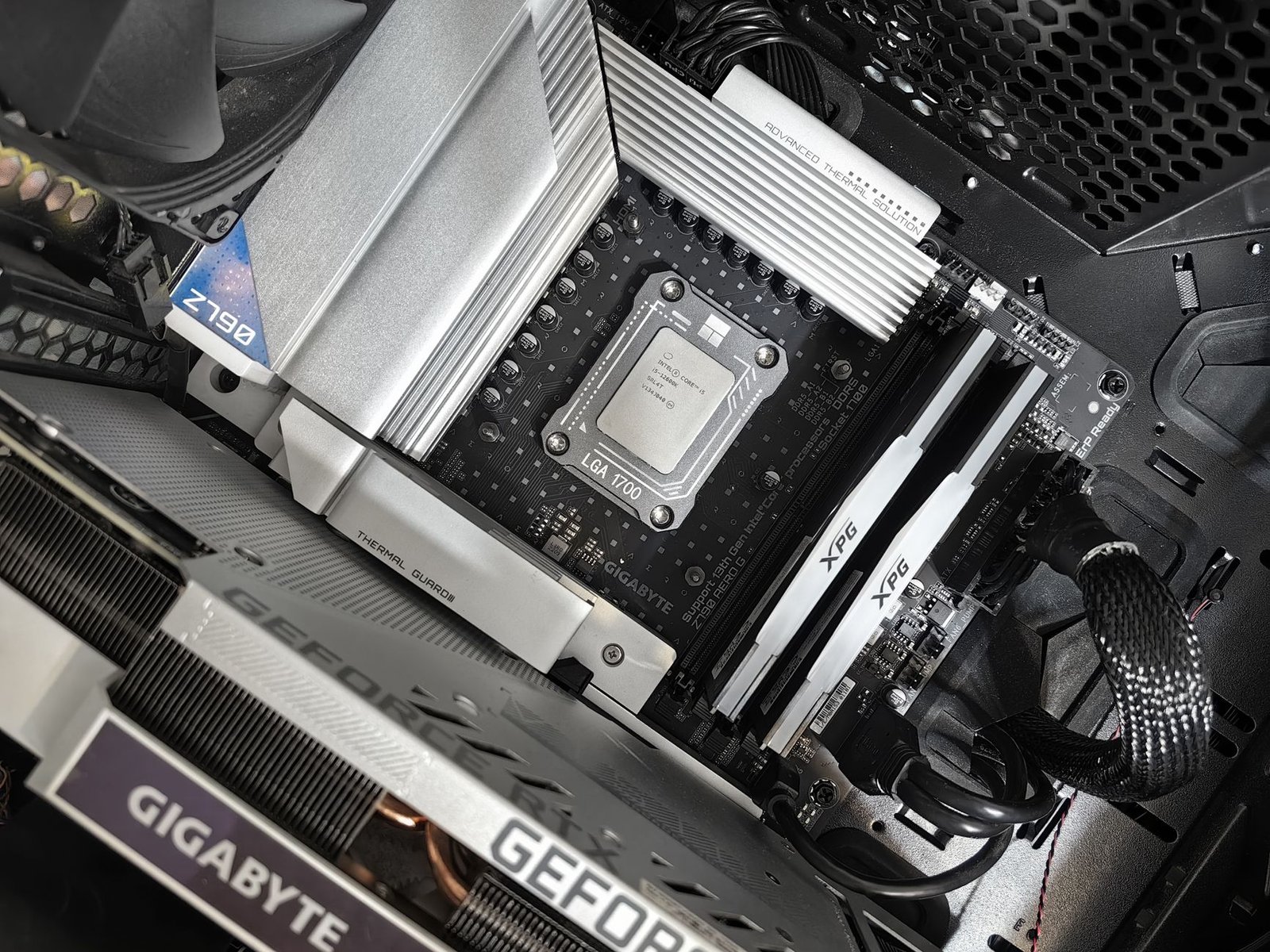

The Complete $800 Gaming PC Build — Parts List
| Component | Part | Price |
|---|---|---|
| CPU | AMD Ryzen 5 7600 | ~$149 |
| GPU | NVIDIA RTX 4060 8GB | ~$259 |
| Motherboard | MSI PRO B650M-P | ~$99 |
| RAM | 32GB DDR5-5200 (2x16GB) Kingston Fury Beast | ~$65 |
| Storage | 1TB WD Blue SN580 NVMe SSD | ~$59 |
| PSU | Corsair CV650 650W 80+ Bronze | ~$55 |
| Case | Fractal Focus 2 | ~$59 |
| CPU Cooler | Thermalright Assassin X 120 SE | ~$20 |
| Total | Estimated Build Cost | ~$765 |
Why We Built It This Way
Every dollar in this build was argued over. At $800, the GPU takes the largest share because gaming performance lives or dies on the graphics card — everything else just needs to not be the bottleneck. The Ryzen 5 7600 on AM5 was chosen over Intel alternatives because the AM5 socket has a longer upgrade runway: AMD has committed support through at least 2027, meaning you can drop in a Ryzen 7 or Ryzen 9 chip later without changing your motherboard. The 32GB DDR5 kit looks excessive for 2026 gaming (most games still use under 16GB), but DDR5 is cheap now and 32GB prevents the build from ageing out of modern games any time soon. The total lands at ~$765, leaving a $35 buffer for thermal paste, zip ties, or a sale day saving.
CPU — AMD Ryzen 5 7600
| AMD Ryzen 5 7600 — Specs | |
|---|---|
| Cores / Threads | 6 cores / 12 threads |
| Base / Boost Clock | 3.8GHz / 5.1GHz |
| Architecture | Zen 4 |
| Socket | AM5 |
| TDP | 65W |
| Cache (L2 + L3) | 38MB |
| Included Cooler | AMD Wraith Stealth |
| Price | ~$149 |
The Ryzen 5 7600 is the cleanest CPU choice in the sub-$800 gaming build category right now. Six Zen 4 cores at 5.1GHz boost clock means every game that stresses 6 threads or fewer — which is still most titles in 2026 — runs at essentially the same performance as a Ryzen 9. The single-thread performance is where Zen 4 earns its money: games like Elden Ring, Valorant, and most esports titles that depend on single-threaded IPC get full benefit from the 5.1GHz ceiling. The 65W TDP keeps temperatures manageable even without spending much on cooling.
The decision to use AM5 over Intel’s LGA1700 platform comes down to longevity. Intel’s LGA1700 socket is at end-of-life. AM5 still has future Zen 5 and Zen 6 CPUs incoming. If you want to upgrade your CPU in two years without replacing the motherboard, AM5 is the platform to be on. The included Wraith Stealth cooler handles the 65W TDP fine, but we recommend the Thermalright Assassin X 120 SE for $20 extra to keep temperatures in check during sustained gaming sessions.
That is where the Ryzen 5 7600 feels different — at $149 you are getting Zen 4 IPC and 5.1GHz boost on a future-proof platform. The Intel i5-14400F is a valid alternative at a similar price, but it ships you to a dead-end socket. The 7600 ships you to a platform with years of upgrades ahead.
Best for: Builders who want a genuinely fast gaming CPU today with a clear upgrade path for the next 3–4 years without replacing the motherboard.
GPU — NVIDIA RTX 4060 8GB
| NVIDIA RTX 4060 8GB — Specs | |
|---|---|
| Architecture | Ada Lovelace |
| CUDA Cores | 3,072 |
| VRAM | 8GB GDDR6 |
| Memory Bus | 128-bit |
| Memory Bandwidth | 272 GB/s |
| TDP | 115W |
| Key Features | DLSS 3 (Frame Generation), AV1 Encode, NVENC, Ray Tracing |
| Price | ~$259 |
The RTX 4060 is the anchor of this build. At 1080p it runs everything: Cyberpunk 2077 at high settings with DLSS Quality mode delivers around 75 FPS, God of War sits at 80+ FPS at high, and esports titles like Valorant push well past 200 FPS. The 115W TDP is remarkably efficient — this GPU runs cool, stays quiet, and does not demand a large power supply. For a budget build, efficiency matters as much as performance.
DLSS 3 with Frame Generation is the RTX 4060’s strongest differentiator against AMD alternatives at this price. Frame Generation effectively doubles rendered frames in supported titles — games that hit 45 FPS natively feel like 90 FPS with Frame Generation enabled. In Cyberpunk 2077, Spider-Man 2 PC, and other demanding titles where the RTX 4060 would otherwise struggle at max settings, Frame Generation keeps the experience smooth without dropping to low quality presets. The 8GB VRAM is a legitimate limitation for some 2026 titles at higher resolutions, but at 1080p it remains sufficient for the current game library.
That is where the RTX 4060 feels different — AMD’s RX 7600 XT offers more raw rasterization performance at a similar price, but lacks Frame Generation. In the real-world gaming scenarios where a budget GPU is being pushed hardest, DLSS 3 Frame Generation turns a struggling frame rate into a playable one more reliably than AMD’s FSR equivalent currently manages.
Best for: 1080p gaming at high/ultra settings with the flexibility to push 1440p at medium settings in most current titles.
Motherboard — MSI PRO B650M-P
| MSI PRO B650M-P — Specs | |
|---|---|
| Socket | AM5 (LGA1718) |
| Chipset | AMD B650 |
| Form Factor | Micro-ATX |
| RAM Slots | 4x DDR5 (up to 192GB) |
| PCIe Slots | 1x PCIe 4.0 x16 (GPU), 1x PCIe 3.0 x1 |
| M.2 Slots | 2x M.2 PCIe |
| USB (Rear) | 2x USB 3.2 Gen 2, 4x USB 3.2 Gen 1, 2x USB 2.0 |
| Price | ~$99 |
The B650 chipset is the budget-friendly tier of AMD’s AM5 platform that does not cut corners on the essentials. The MSI PRO B650M-P provides everything this build needs: a proper PCIe 4.0 x16 slot for the RTX 4060, two M.2 slots for easy SSD installation or future storage expansion, and 4 DDR5 RAM slots so you can add more RAM later without replacing your current sticks. The VRM (voltage regulator module) handles the Ryzen 5 7600’s 65W TDP comfortably and has headroom for a Ryzen 7 7700 or Ryzen 9 7900 upgrade down the road.
MSI’s BIOS is among the more user-friendly for first-time builders — EXPO profiles (AMD’s version of XMP for DDR5) enable with a single toggle, getting your RAM to its rated 5200MHz speed without manual tuning. The Micro-ATX form factor fits the Fractal Focus 2 case without wasting space, and the board runs stable at stock settings without requiring any manual configuration to get the build performing properly out of the box.
That is where the B650M-P feels different — at $99 it gives you four RAM slots, two M.2 slots, and a proper PCIe 4.0 x16 slot. Competing boards at this price often compromise on RAM expansion (only 2 DIMM slots) or M.2 availability, limiting where the build can go in future upgrades.
Best for: First-time builders who want a stable, no-fuss AM5 foundation that supports future CPU and RAM upgrades without a board swap.
RAM — 32GB DDR5-5200 Kingston Fury Beast (2x16GB)
| Kingston Fury Beast DDR5-5200 — Specs | |
|---|---|
| Capacity | 32GB (2x16GB) |
| Speed | DDR5-5200 |
| Latency | CL40 |
| Voltage | 1.25V |
| Profile Support | Intel XMP 3.0 / AMD EXPO |
| Form Factor | DIMM (Desktop) |
| Price | ~$65 |
DDR5 prices dropped to the point where 32GB costs the same as 16GB DDR5 did a year ago — this Kingston Fury Beast kit at ~$65 is genuinely the right choice. The Ryzen 5 7600 benefits meaningfully from faster RAM: Zen 4’s Infinity Fabric scales with memory speed, and DDR5-5200 hits a sweet spot that keeps the CPU’s internal bus running at its optimal ratio. Going above 6000MHz on this platform introduces setup complexity without proportional gaming gains; 5200MHz gets you 90% of the benefit with zero configuration headaches.
32GB total is the correct choice for a 2026 build. Current games run fine on 16GB, but the trend is clear: Hogwarts Legacy recommends 16GB, some newer open-world titles are already touching 20GB in complex scenes. Installing 32GB now means this build will not need a RAM upgrade for several years. The dual-channel configuration (2x16GB instead of 1x32GB) also provides a genuine performance boost over single-channel — memory bandwidth effectively doubles, which benefits both the CPU and the integrated Radeon 610M graphics if you ever need it.
That is where the DDR5-5200 kit feels different — at $65, you are getting the Ryzen 5 7600 operating at its designed memory frequency with 32GB capacity. Saving $20 by going to 16GB DDR5-4800 would leave the build feeling tight within two years of demanding game releases.
Best for: Builders who want their RAM spec to not be a concern for the next 3–4 years of gaming without paying premium pricing for marginal speed increases.
Storage — 1TB WD Blue SN580 NVMe SSD
| WD Blue SN580 1TB — Specs | |
|---|---|
| Interface | PCIe 4.0 x4 NVMe |
| Sequential Read | 4,150 MB/s |
| Sequential Write | 4,150 MB/s |
| Form Factor | M.2 2280 |
| Capacity | 1TB |
| NAND Type | TLC |
| Warranty | 5 years |
| Price | ~$59 |
1TB NVMe is the correct storage minimum for a 2026 gaming PC. Modern games are large: Call of Duty exceeds 100GB, Baldur’s Gate 3 is 150GB, and even mid-size titles regularly hit 60–80GB. 1TB gives you room for 8–12 current games installed simultaneously before you need to start managing storage. The WD Blue SN580 at PCIe 4.0 speeds (4,150 MB/s sequential read) loads games significantly faster than older SATA SSDs and handles Windows and application loads smoothly.
The SN580 is among the most reliable budget NVMe drives available — WD’s 5-year warranty reflects genuine confidence in TLC NAND longevity at this price point. For gaming specifically, the 4,150 MB/s sequential speed delivers fast level load times, particularly in open-world games that stream assets from storage during traversal. The second M.2 slot on the B650M-P motherboard means you can add a second SSD later (a 2TB drive now costs around $80) without replacing or removing this one.
That is where the SN580 feels different — the 5-year warranty and WD’s reliability track record make it a better long-term choice than cheaper alternatives at $5–10 less. Storage failure is the most disruptive component failure in a PC build; this is not where you cut corners to save $8.
Best for: Primary gaming drive that handles Windows, installed games, and application loads reliably with room for a second SSD expansion later.
PSU — Corsair CV650 650W 80+ Bronze
| Corsair CV650 650W — Specs | |
|---|---|
| Wattage | 650W |
| Efficiency Rating | 80+ Bronze |
| Modular | Non-modular |
| Fan | 120mm |
| Protections | OVP, UVP, OCP, SCP, OTP |
| Warranty | 3 years |
| Price | ~$55 |
This build’s total power draw under full gaming load sits around 300–320W (Ryzen 5 7600 at 65W + RTX 4060 at 115W + system overhead). A 650W PSU provides a comfortable 2x overhead, which means the power supply is never operating near its efficiency cliff and the fan barely spins during most gaming sessions. The Corsair CV650 is consistently recommended in the budget tier for a reason: Corsair’s quality control at this price point is better than most competitors, and the full protection suite (overvoltage, overcurrent, short-circuit, overtemperature) safeguards the rest of your components.
Non-modular means all cables are permanently attached — cable management takes more effort than a semi-modular unit, but the Fractal Focus 2 case has good cable routing channels that make it workable. The 80+ Bronze rating means the PSU operates at 82%+ efficiency under typical load, which matters for electricity costs over the life of the build and for heat output inside the case. If you plan to upgrade to a more power-hungry GPU later (an RTX 5070 or RX 9800 XT, for example), you will want to replace this PSU at that point.
That is where the CV650 feels different — at $55 it is genuinely hard to find a better-built PSU. The temptation to save $15–20 on an off-brand unit is strong at this price point, but a failing PSU can take other components with it. Corsair’s brand reliability at the budget tier is worth the extra few dollars over no-name alternatives.
Best for: This specific build at current specs. If you upgrade to an RTX 5070 Ti or higher-wattage GPU later, plan to upgrade the PSU to 750W+ at the same time.
Case — Fractal Focus 2
| Fractal Focus 2 — Specs | |
|---|---|
| Form Factor | Mid-Tower |
| Motherboard Support | ATX, Micro-ATX, Mini-ITX |
| Included Fans | 2x 120mm front intake |
| Fan Support (Total) | Up to 6x 120mm or 2x 140mm front + 1x 120mm rear |
| GPU Clearance | Up to 431mm |
| CPU Cooler Clearance | Up to 169mm |
| Drive Bays | 2x HDD + 2x SSD |
| Price | ~$59 |
Fractal cases have a reputation for sensible engineering at reasonable prices, and the Focus 2 earns that reputation. The mesh front panel provides genuine airflow — not decorative mesh over a solid panel, but a proper open mesh that pulls air directly through the two included 120mm fans to the GPU and CPU. The RTX 4060 runs warm under sustained load; good front-to-back airflow is not optional in a budget build where you are not spending on a large tower cooler.
The interior layout is first-builder friendly. The PSU shroud hides the cable mess at the bottom, the rear cable routing channels are deep enough to actually tuck cables behind the motherboard tray, and the tool-free SSD mounts on the front of the PSU shroud are where they should be — visible and accessible. At 431mm GPU clearance, even a triple-fan RTX 4060 Ti card fits without issue if you upgrade later. The side tempered glass panel shows the build without the clouded or tinted look of cheaper cases.
That is where the Focus 2 feels different — Fractal designs cases for practical builders, not just for looks. The included fan placement, cable routing channels, and drive mounting points reflect actual assembly experience rather than feature lists written for the box.
Best for: First-time builders who want a forgiving case interior, solid airflow, and clean aesthetics without paying for RGB lighting they may not want.
Expected Gaming Performance
| Game | Resolution | Settings | Avg FPS |
|---|---|---|---|
| Cyberpunk 2077 | 1080p | High + DLSS Quality | ~75 FPS |
| Cyberpunk 2077 | 1440p | Medium + DLSS Balanced | ~60 FPS |
| God of War (PC) | 1080p | High | ~85 FPS |
| Elden Ring | 1080p | Max | ~60 FPS (locked) |
| Baldur’s Gate 3 | 1080p | High | ~70 FPS |
| Call of Duty MW3 | 1080p | High | ~130 FPS |
| Valorant | 1080p | Max | ~250+ FPS |
| Fortnite | 1080p | Epic | ~90 FPS |
| Minecraft (Java) | 1080p | Fancy + Shaders | ~80 FPS |
These figures represent typical in-game averages at the listed settings without Frame Generation enabled. With DLSS 3 Frame Generation active in supported titles (Cyberpunk 2077, Alan Wake 2, Fortnite), expect 40–60% additional FPS on top of the numbers above. Esports titles like Valorant and Call of Duty will exceed the frame rates listed here at lower-than-max settings, which is how competitive players typically run them.
Upgrade Path
This build is designed to be upgraded incrementally rather than replaced. The most impactful first upgrade is the GPU: dropping an RTX 5060 Ti or RX 9700 XT into the same system costs around $350–400 and moves the build into confident 1440p territory. The Ryzen 5 7600 will not bottleneck either of those cards at 1080p or 1440p. The second upgrade worth considering is a second NVMe SSD — the B650M-P’s second M.2 slot accepts a 2TB drive for around $80, which solves storage management headaches as game installs grow. A CPU upgrade (Ryzen 7 7700X or Ryzen 9 7900X) is the last priority — the 7600 remains competitive in gaming well beyond this build’s first upgrade cycle.
Frequently Asked Questions
This pairs well with our guide, Best Gaming PC (2026).
For a closely related buying question, see Best Budget Gaming Laptop Under $800 (2027).
Related Guides
- How to Improve FPS on PC
- NVIDIA RTX 5080 Founders Edition Review (2026)
- RTX 5080 vs RX 9900 XT — Which GPU Should You Buy? (2026)




3 thoughts on “Best Budget Gaming PC Build Under $800 in 2026 (Tested & Ranked)”