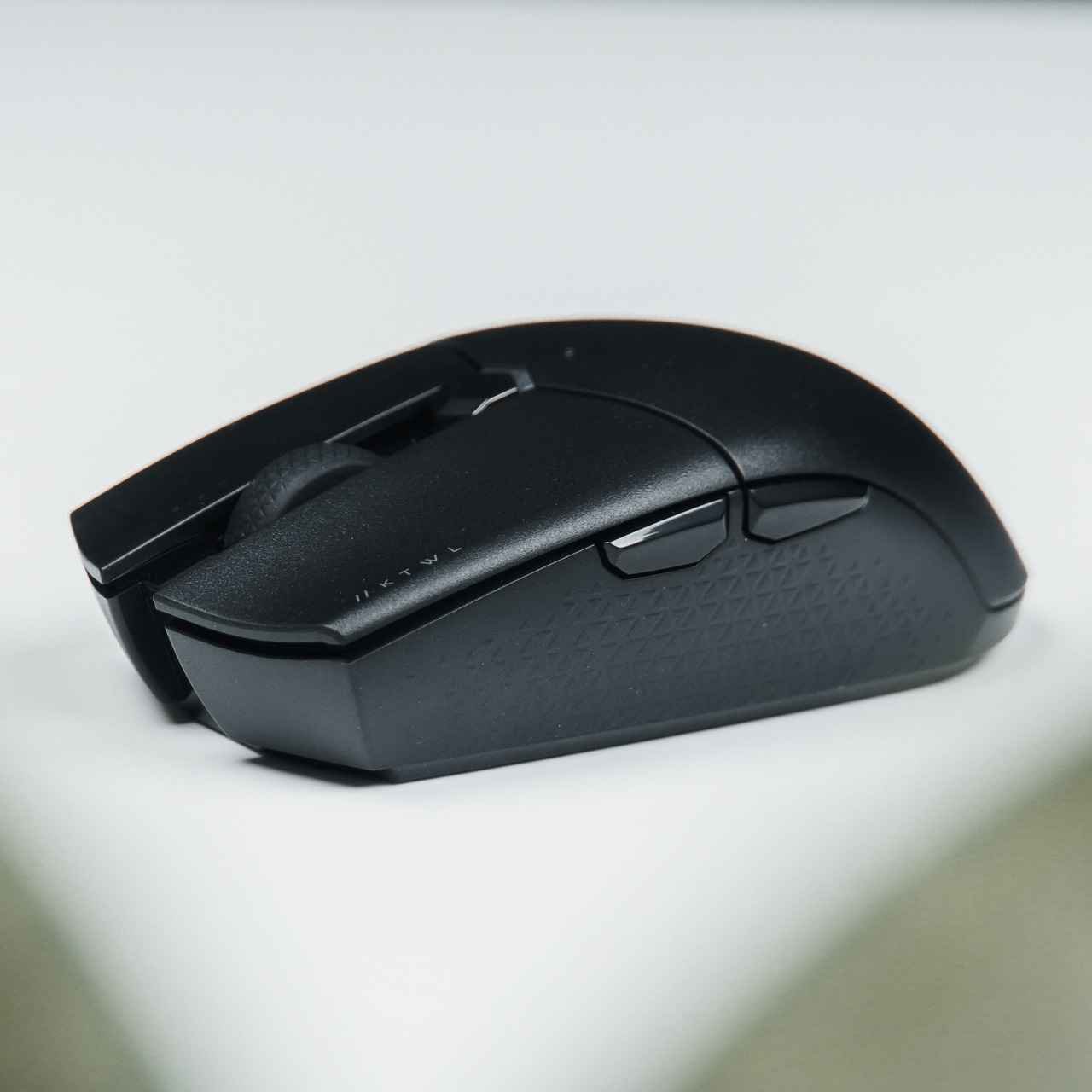

I spent $160 on an 8000Hz mouse convinced it would finally fix my flicks in Valorant. It didn’t move my rank at all — because I was solving the wrong problem. The spec that actually mattered for click-to-hit consistency wasn’t polling rate. It was debounce time, a spec that doesn’t even show up on most product pages.
Debounce Time: The Spec Nobody Puts on the Box
Every mechanical mouse switch physically bounces — makes and breaks contact several times — in the milliseconds after you click it. Debounce time is the firmware delay that waits out that bounce before registering a single click, usually somewhere between 4ms and 16ms by default. That delay is directly added to every single click’s latency, on top of your sensor and connection latency.
This is where optical switches actually earn their keep, and it’s a different claim than the marketing usually makes: optical switches use a light beam instead of physical metal contact, so there’s no mechanical bounce to wait out — debounce time drops close to zero. Razer’s Viper V3 Pro, for example, uses optical switches rated at 0.2ms actuation with effectively no debounce delay. If your current mouse has a mechanical switch defaulting to 8-16ms of debounce and you can’t adjust it in software, you’re adding more latency to every click than a slower polling rate ever would.
Polling Rate: Where the Marketing Outran the Actual Benefit
Here’s the number that convinced me to buy that 8000Hz mouse: going from 1000Hz to 8000Hz drops per-poll latency from 1ms to 0.125ms — a theoretical gain of 0.875ms. Here’s the number that should have stopped me: among the handful of top CS2 pros who’ve moved past 1000Hz (Zywoo, m0NESY, donk, ImperialHal), every one of them is running a flagship Ryzen X3D or top-tier Intel CPU paired with a 360Hz+ monitor. The overwhelming majority of professional players, including most top-10 finishers, are still on 1kHz. High polling rates also cost real CPU overhead, and on a mid-range system, pushing 8000Hz can introduce stutter that costs you more than the 0.875ms it saves.
The one setting worth turning on regardless of your polling rate is Motion Sync, which aligns your sensor’s internal read cycle with your USB poll timing. At 1000Hz it costs you about 0.5ms of added latency for more consistent tracking; at 8000Hz it costs closer to 0.06ms, which is close enough to free that there’s no reason to leave it off if your mouse supports it.
What This Means for What You Should Actually Buy
If you’re shopping on a normal budget, prioritize in this order: optical switches (near-zero debounce) over polling rate, then a 1000Hz connection with Motion Sync enabled if available, then DPI/sensor resolution — which barely matters past 800-1600 DPI for FPS games since you’re scaling sensitivity down anyway. An 8000Hz mouse with mechanical switches and no Motion Sync will feel worse in practice than a $50 optical-switch mouse running standard 1000Hz, because you’re paying for the spec that barely moves the needle while ignoring the one that actually adds latency to every click.
If you already own a mouse and don’t want to replace it, check its software for a debounce time setting first. Dropping it from a default 8-16ms down to 2-4ms (if your switches are in good condition) will do more for perceived responsiveness than any polling rate change.
Gear only solves part of the equation. If you’re still dying to shots that shouldn’t have landed, that’s a separate, network-level issue: why you actually die behind cover in CS2.
For a closely related buying question, see Why Competitive Players Are Quietly Ditching Mechanical Switches (And What Actually Replaced Them).
We cover the related angle in Best Gaming Mouse for FPS in 2026 — Lightweight Picks (Compared & Ranked).
FAQ
Do I need an 8000Hz gaming mouse?
Almost certainly not unless you’re already running a 360Hz+ monitor and a flagship CPU. The latency gain over 1000Hz is under 1ms and most top pros still use 1000Hz.
What is debounce time and why does it matter more than people think?
It’s a firmware delay (typically 4-16ms) that waits out mechanical switch bounce before registering a click. It’s added to every click you make, which is often a bigger latency cost than polling rate differences.
Should I turn on Motion Sync?
Yes, if your mouse supports it. It costs a small amount of latency (0.5ms at 1000Hz, 0.06ms at 8000Hz) in exchange for more consistent sensor tracking.


1 thought on “The Mouse Spec That Matters More Than Sensor DPI (And the One That Doesn’t)”