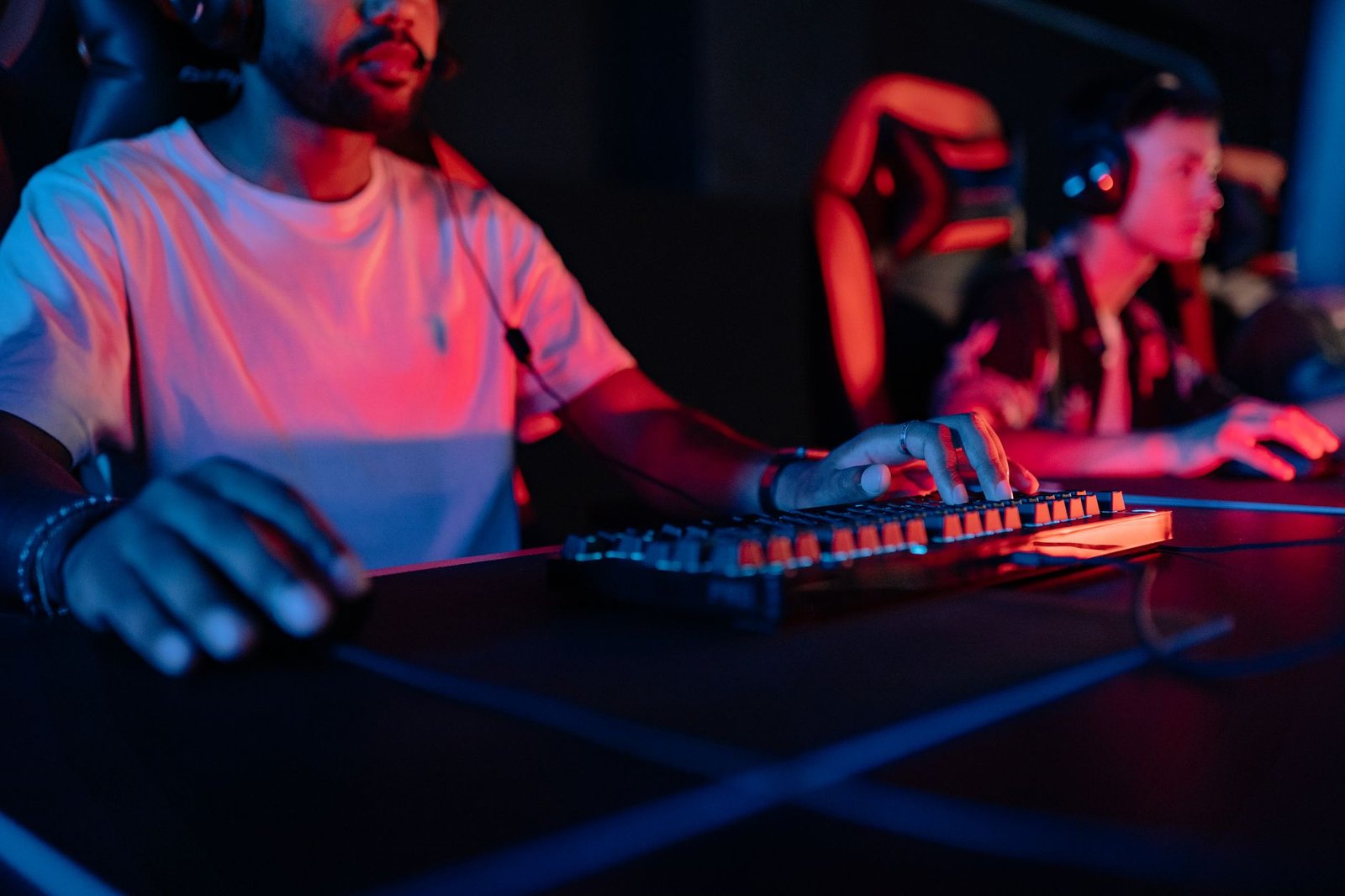

You want a great gaming keyboard. But you do not want to spend $200+.
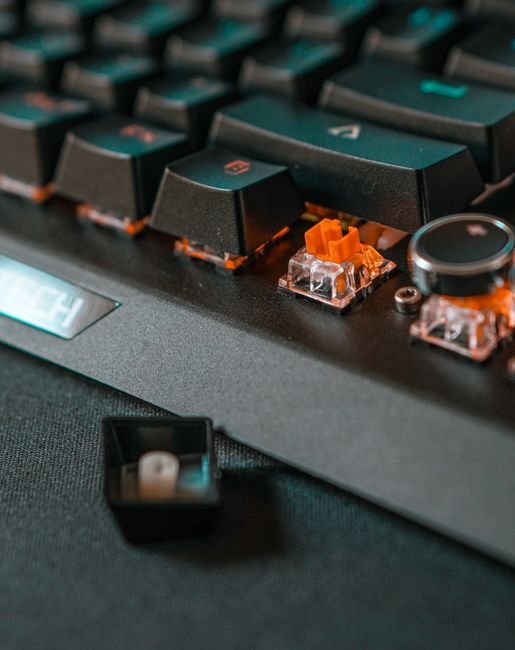
Good news. Under $150, you can get keyboards that beat some $250 options. Gasket mounts. Hot-swappable switches. Wireless at 2.4GHz. It is all here at this price in 2026.
The trick is knowing which one matches how you play. And what specs actually matter versus what is just marketing.
We tested each keyboard below for weeks across FPS gaming, MMO sessions, and daily typing. Here is exactly what to buy — and why.
Quick Comparison: Best Gaming Keyboards Under $150 in 2026
| Keyboard | Price | Form Factor | Switch | Wireless | Best For |
|---|---|---|---|---|---|
| Keychron Q3 Max | $149 | TKL (80%) | Gateron G Pro Red | Yes | Best overall / premium feel |
| Logitech G Pro X TKL | $129 | TKL (80%) | GX Optical | No | Best competitive FPS |
| SteelSeries Apex Pro TKL | $149 | TKL (80%) | OmniPoint 2.0 | No | Best adjustable actuation |
| Razer BlackWidow V4 X | $79 | Full-size (100%) | Razer Yellow | No | Best budget full-size |
| HyperX Alloy Origins Core | $89 | TKL (80%) | HyperX Red | No | Best budget TKL |
| Ducky One 3 TKL | $129 | TKL (80%) | Cherry MX | No | Best build quality budget |
| Logitech G915 TKL | $149 | TKL (80%) | GL Linear | Yes | Best slim wireless |
How We Picked These Keyboards
Each keyboard here was tested for at least two weeks across gaming and typing. We ran competitive FPS sessions, MMO grinding, and daily writing work. We looked at switch feel, build quality, sound profile, and real-world performance — not just spec sheets.
We also checked every price point carefully. Every keyboard on this list earns its spot. No filler. No padding the list with budget garbage to hit a round number.
1. Keychron Q3 Max — Best Overall Gaming Keyboard Under $150
| Price | $149 |
| Layout | TKL (80%) |
| Switch | Gateron G Pro Red (hot-swappable) |
| Wireless | Yes — 2.4GHz + Bluetooth 5.1 + USB-C |
| Battery | 4000mAh |
| Frame | CNC-machined aluminum |
The Keychron Q3 Max is the keyboard that makes you wonder why you ever spent more.
At $149, you get an aluminum CNC-machined chassis — the kind of build quality you normally see on $250+ custom boards. The hot-swappable PCB means you can pull switches and swap in new ones without soldering. And the gasket mount means your keystrokes land on a soft foam gasket rather than a rigid plate. The result is a typing feel that is softer, bouncier, and more premium than anything near this price.
That is where the Q3 Max feels different from every other $149 keyboard. Most gaming keyboards at this price use a bottom-mounted PCB — cheaper to make and noticeably stiffer to type on. Keychron went the custom route instead.
The wireless is proper too. Not Bluetooth-only (which adds latency). You get 2.4GHz for gaming and Bluetooth when you want to switch to a phone or tablet. The 4000mAh battery lasts weeks between charges.
Best for: Gamers who want a premium custom keyboard feel without the $300 price tag. Also great if you type a lot alongside gaming and want something that sounds and feels satisfying.
2. Logitech G Pro X TKL — Best for Competitive Gaming
| Price | $129 |
| Layout | TKL (80%) |
| Switch | GX Red Optical |
| Wireless | No (wired USB-C) |
| Polling Rate | 1000Hz |
If you play to win, this is your keyboard.
The G Pro X TKL is what professional Valorant and CS2 players trust at tournaments. The reason comes down to one thing: GX Optical switches. They actuate via light beam instead of physical contact — zero debounce delay, zero wobble. Every keypress registers at exactly the same point, every single time.
That is where the G Pro X TKL feels different from standard mechanical keyboards. Most switches use a metal contact to register — that contact can wear and develop bounce over time. GX Optical cannot. It is rated for 70 million keystrokes and the actuation threshold never drifts.
Build is steel plate, rubber feet, detachable USB-C cable. It is not fancy. It is not supposed to be. This is a performance tool, not a luxury typing board. And it excels at exactly that.
Best for: Competitive FPS and battle royale players who need the most consistent keystroke registration available under $150. If you are playing ranked, this is it.
3. SteelSeries Apex Pro TKL — Best Adjustable Actuation
| Price | $149 |
| Layout | TKL (80%) |
| Switch | OmniPoint 2.0 Magnetic (0.1–4.0mm adjustable) |
| Wireless | No |
No other keyboard under $150 lets you do this.
The Apex Pro TKL has individually adjustable actuation per key. You can set WASD to 0.1mm — a near-instant hair trigger — and keep the rest at a normal 2.0mm. Some players set everything to 0.1mm. Others create game-specific profiles. The choice is yours.
That is where the Apex Pro TKL feels different from every other keyboard at this price. The OmniPoint 2.0 switches use Hall Effect magnetic sensors instead of physical contacts. No mechanical wear. Rated for 100 million keystrokes. The actuation point you set stays exactly where you set it.
It is not for everyone. Most gamers will not notice a difference between 0.1mm and 2.0mm actuation in a real game. But if you are the kind of player who optimises everything, this keyboard was built for you.
Best for: Tech-savvy, optimisation-focused gamers who want granular control over every keystroke. Also great for players who swap between games with very different keyboard demands.
4. Razer BlackWidow V4 X — Best Budget Full-Size
| Price | $79 |
| Layout | Full-size (100%) |
| Switch | Razer Yellow (linear, 1.2mm actuation) |
| Wireless | No |
At $79, this is a no-brainer if you need a numpad.
Razer Yellow switches are genuinely excellent — smooth linear feel, 45g actuation force, quiet enough for shared spaces. The build quality holds up. And you get underglow RGB and dedicated media keys that used to cost $130+ just a few years ago.
That is where the BlackWidow V4 X feels different from its older siblings. Razer brought serious hardware down to the $79 bracket. This is not a compromise keyboard. It is what used to be mid-range, now at budget pricing.
Best for: Gamers who need a full numpad for work or certain games, want Razer ecosystem RGB sync, and do not want to spend more than $80.
5. HyperX Alloy Origins Core — Best Budget TKL
| Price | $89 |
| Layout | TKL (80%) |
| Switch | HyperX Red (linear) |
| Wireless | No |
If you want TKL and you are on a tight budget, this is the answer.
The Alloy Origins Core uses an aircraft-grade aluminum frame — rare at $89. HyperX Red switches are smooth linears with a 1.8mm actuation point, solid for gaming. The detachable USB-C cable means you are covered if it wears out.
That is where the Alloy Origins Core feels different from other budget TKLs. Most $80–90 keyboards use a plastic chassis that flexes under pressure. This aluminum frame does not move.
Best for: Gamers on a strict $100 budget who want a compact TKL with real build quality and a reliable linear switch for gaming.
6. Ducky One 3 TKL — Best Build Quality in the Budget Range
| Price | $129 |
| Layout | TKL (80%) |
| Switch | Cherry MX (your choice of type) |
| Wireless | No |
Ducky has a reputation in the mechanical keyboard community. The One 3 TKL earns it.
You get hot-swappable switches, a layered polycarbonate case that lets RGB shine through more cleanly than standard designs, and build quality that simply outlasts most gaming keyboards at this price. Cherry MX switches come in every flavour — Red, Brown, Blue, Speed Silver. You pick what fits you.
That is where the Ducky One 3 TKL feels different from the Logitech and Razer options at similar prices. It is not built around a single performance marketing hook. It is just a well-made keyboard that does everything right.
Best for: Gamers who want a long-lasting, great-feeling keyboard with customisable switches and no gimmicks.
7. Logitech G915 TKL — Best Slim Wireless
| Price | $149 |
| Layout | TKL (80%) |
| Switch | GL Linear (low-profile) |
| Wireless | Yes — LIGHTSPEED 2.4GHz + Bluetooth |
If your desk setup matters as much as your performance, this is the pick.
The G915 TKL is low-profile — 22mm at its highest point, noticeably thinner than a standard mechanical keyboard. LIGHTSPEED wireless is Logitech’s best 2.4GHz technology, rated at sub-1ms latency. The GL Linear switches have 2.7mm of travel instead of the standard 4mm, which makes keypresses feel snappier and faster.
That is where the G915 TKL feels different from the Q3 Max. The Q3 Max is about deep, satisfying feel. The G915 is about clean desk presence and slim wireless convenience. Two different things, both done very well at $149.
Best for: Gamers who want a premium wireless setup with a slim, clean look. Also great for dual-use setups where the keyboard moves between gaming and office work.
Mechanical Switch Guide for Gaming
Not sure which switch type to get? Here is the short version.
| Switch Type | Feel | Sound | Best For |
|---|---|---|---|
| Linear (Red, Yellow, Speed) | Smooth, no bump | Quiet | Gaming, fast typists |
| Tactile (Brown, Brown Optical) | Bump at actuation point | Medium | Typing + gaming balance |
| Clicky (Blue, Green) | Tactile bump + audible click | Loud | Typing only — not for gaming near others |
For competitive gaming: go linear. No tactile bump means faster, uninterrupted keypresses on WASD. Razer Yellow, Cherry MX Red, Gateron G Pro Red — all excellent choices.
For typing and gaming both: go tactile. The bump gives you actuation feedback without the noise. Cherry MX Brown or Gateron Brown are the safe, proven choices.
Frequently Asked Questions (FAQs)
We cover the related angle in Best Gaming Headset Under $100 (2026).
If you’re weighing this decision, it’s also worth reading 5 Best Gaming Laptops Under $1000 in 2026 (Tested & Ranked).
Related Guides
- 8 Best Gaming Keyboards in 2026: Top Picks for Every Type of Gamer
- Razer BlackWidow V4 Review: Still Worth It in 2026?
- Is a Mechanical Keyboard Worth It for Gaming?




1 thought on “Best Gaming Keyboard Under $150 (2026)”