
Disclosure: Gamingshopee is reader-supported. If you buy through links on this page, we may earn a commission at no extra cost to you.
Your PS5 works fine out of the box. These accessories make it noticeably better.
You don’t need all of them. Pick based on what’s actually holding your setup back, storage, battery life, or audio, and skip the rest.
Best PS5 Accessories — Quick Comparison
| Accessory | Price | Solves |
|---|---|---|
| Extra DualSense controller | ~$75 | Local co-op, backup while charging |
| DualSense Charging Station | ~$30 | Dead controller battery mid-session |
| 1TB M.2 NVMe SSD | $90–150 | Running out of storage |
| PULSE Elite wireless headset | $109–150 | 3D audio, chat mic quality |
| Media Remote | ~$30 | Streaming apps without a controller |
How We Picked These
- We ranked by problem solved, not hype: every pick here fixes something specific about the base PS5 experience.
- We checked real current pricing: not launch-day MSRP that no longer reflects what you’ll actually pay.
- We skipped accessories with a narrow niche: PSVR2 is excellent but expensive and genre-specific, so it’s not on this list.
- We favored official Sony accessories where fit matters: storage and controllers specifically, where third-party compatibility issues are a real risk.
1TB M.2 SSD — The One Most People Actually Need
Modern games are enormous. If you regularly install more than 8 to 10 titles, you’ll hit the PS5’s internal storage limit fast, and deleting games to make room gets old quickly.
1TB is the sweet spot for price per gigabyte right now. Drives run anywhere from $90 to $150 depending on brand and whether a heatsink is included, and the PS5 requires a heatsink either built in or added separately, so don’t skip that spec when comparing options. This is the single highest-impact upgrade on this list for anyone with more than a handful of installed games.
DualSense Charging Station — Small Price, Real Convenience
At around $30, this solves one specific annoyance: sitting down to play and finding your controller at 5 percent battery. Dock two controllers, and one is always ready to go.
It’s not essential if you only own one controller and don’t mind cable charging. But paired with a second DualSense, it removes the dead-battery problem completely.
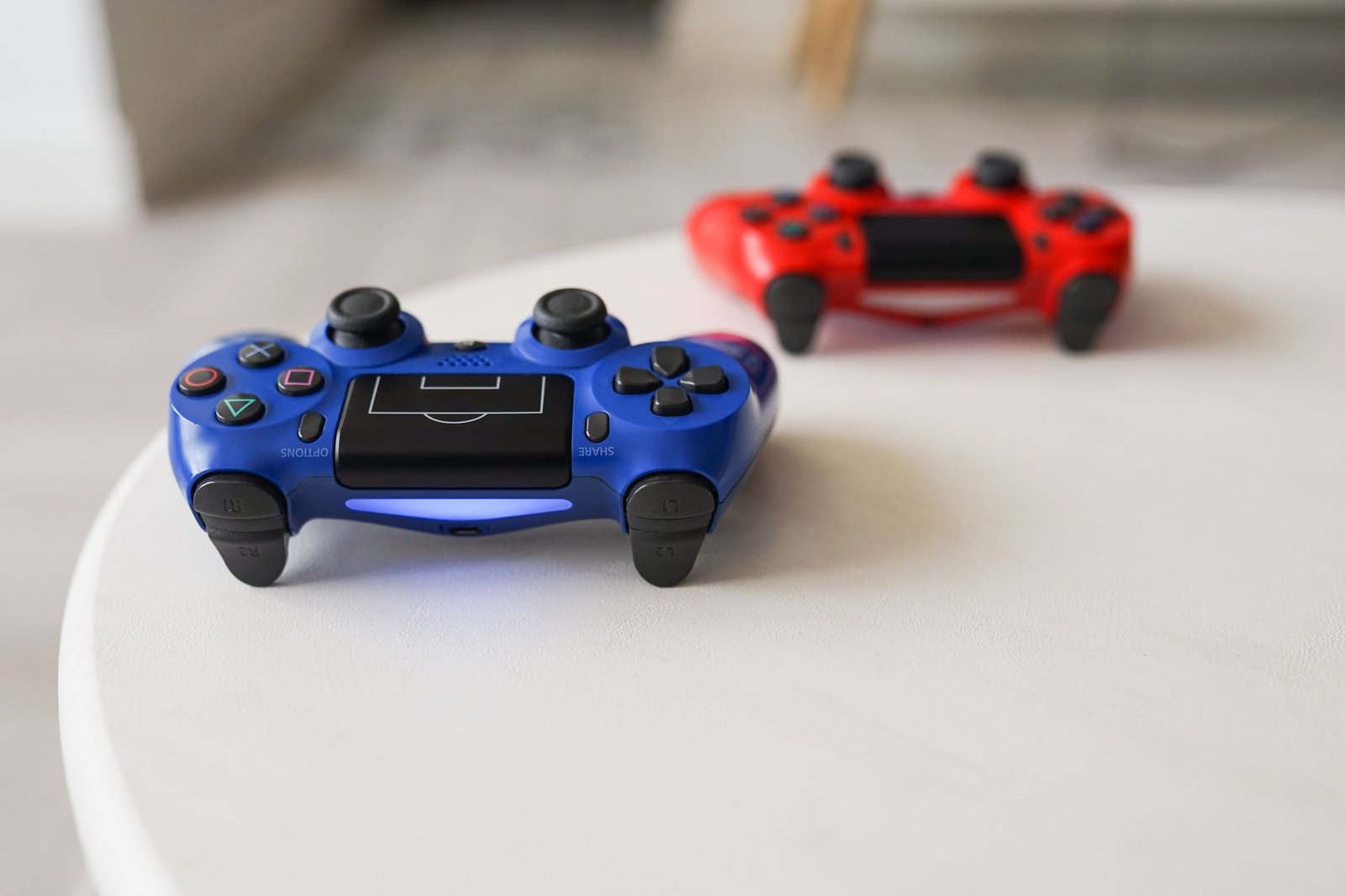
A Second DualSense Controller — For Co-Op and Backup
Standard DualSense pricing has held around $75, with limited editions running closer to $85. It’s not cheap, but it’s still the only controller that gives you the PS5’s haptic feedback and adaptive triggers, features enough games actually use that a third-party alternative feels like a downgrade.
Worth buying if you play local co-op regularly, or just want a backup while your main controller charges. Watch for sale pricing, DualSense drops to $55 to $66 fairly often during PlayStation sale events.
PULSE Elite Wireless Headset — For Serious Audio
Built specifically for the PS5’s Tempest 3D audio engine, so directional cues in supported games land more precisely than with a generic headset. List price sits around $150, though it regularly drops to around $109 during sale events, worth watching for if you’re not in a rush.
If you mainly play Sony first-party titles that lean on spatial audio, this is worth the price. If you’re a streamer or want maximum mic customization instead, a third-party headset with a detachable, higher-quality mic may serve you better.
Media Remote — Small Convenience, Real Use
At about $30, this is the cheapest item on the list, and one of the most used once you have it. Dedicated buttons for Netflix, Disney+, Spotify, and YouTube mean you can launch streaming apps without picking up a controller, including when the console is off.
Skip it if you rarely use your PS5 for streaming. Buy it if the console doubles as your main living room media device.
Which PS5 Accessories Should You Buy?
Start with the 1TB SSD if storage is your actual problem, it’s the upgrade you’ll notice every week. Add the charging station and a second controller if you play co-op or share the console with someone else.
The PULSE Elite headset and Media Remote are both worth it, but only for the specific habits they support, spatial audio gaming and living-room streaming respectively. Don’t buy either just because it’s on a best-of list.
Prices correct as of July 2026.
Frequently Asked Questions
What size SSD should I get for my PS5?
1TB is the best value for most people right now, offering the best price per gigabyte. Go with 2TB only if you install a very large game library and rarely uninstall anything.
Does the PS5 SSD need a heatsink?
Yes. The PS5 requires a heatsink on any internal M.2 SSD, either pre-attached by the manufacturer or added separately. Check this spec before buying, since not all drives include one.
Is the PULSE Elite headset worth it over a cheaper option?
If you play a lot of Sony first-party titles that use the PS5’s 3D audio engine, yes. If you mainly want a great microphone for streaming, a third-party headset may be the better pick.
Do I need the official DualSense Charging Station?
Not strictly, a USB-C cable works fine. But if you own two controllers, the charging station removes the hassle of managing cables and dead batteries entirely.
Is PSVR2 worth adding to this list?
It’s excellent hardware, but it costs more than the console itself and only serves VR-specific games. That’s a big enough commitment that it deserves its own decision, not a spot on a general accessories list.
Building out your setup further? Check our best gaming accessories under $50, or see if a gaming chair is actually worth it.
For a closely related buying question, see Best Gaming Headset Under $100 (2026).
We cover the related angle in Best Gaming Gifts for Every Budget (2026).
Related Guides
- PS5 Pro vs Xbox Series X — Which Console Should You Buy? (2026)
- Comprehensive Review of the PS5
- Best Wireless Gaming Headset for PS5 in 2026 (Tested & Ranked)